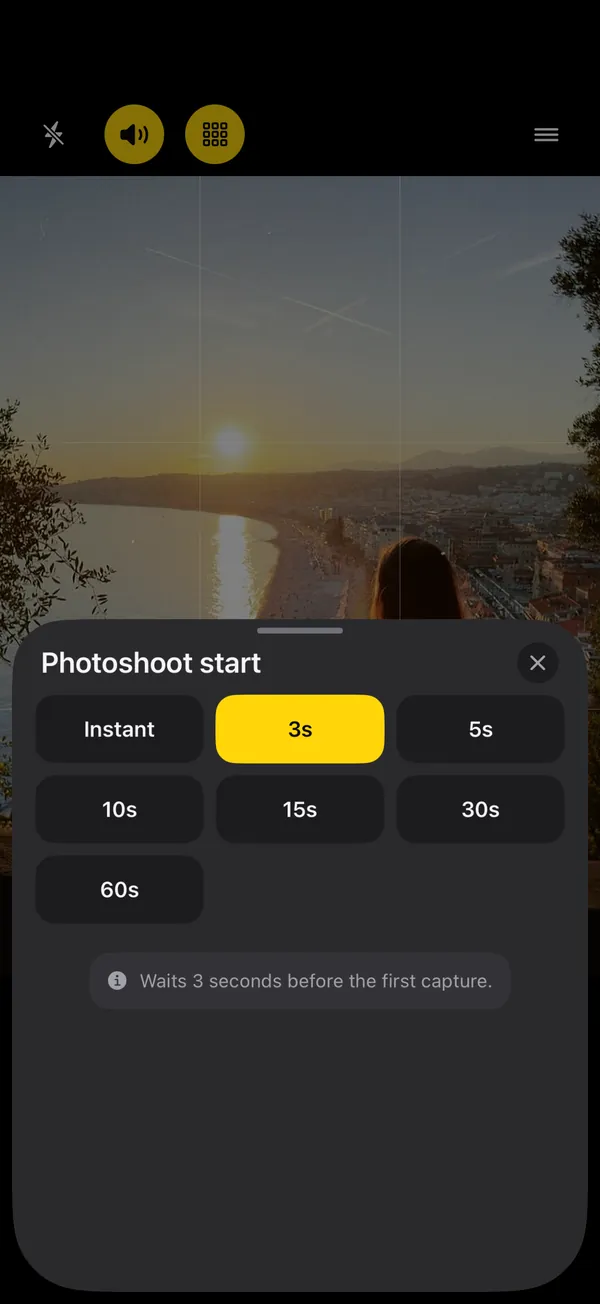
Photoshoot start
Instant, 3, 5, 10, 15, 30 or 60 seconds before the first photo: time to put the phone down, walk over and settle.

Features
SHOOTS is a hands-free self timer camera: you set a start delay, an interval and how many photos you want, then pose while it takes the whole photoshoot. Here's everything it does, checked against the app itself. Features marked SHOOTS+ are part of the optional upgrade.

On a computer?Scan with your iPhone camera
The shoot
Three settings decide every shoot. Set them once, tap the shutter, walk into frame.
Instant, 3, 5, 10, 15, 30 or 60 seconds before the first photo: time to put the phone down, walk over and settle.
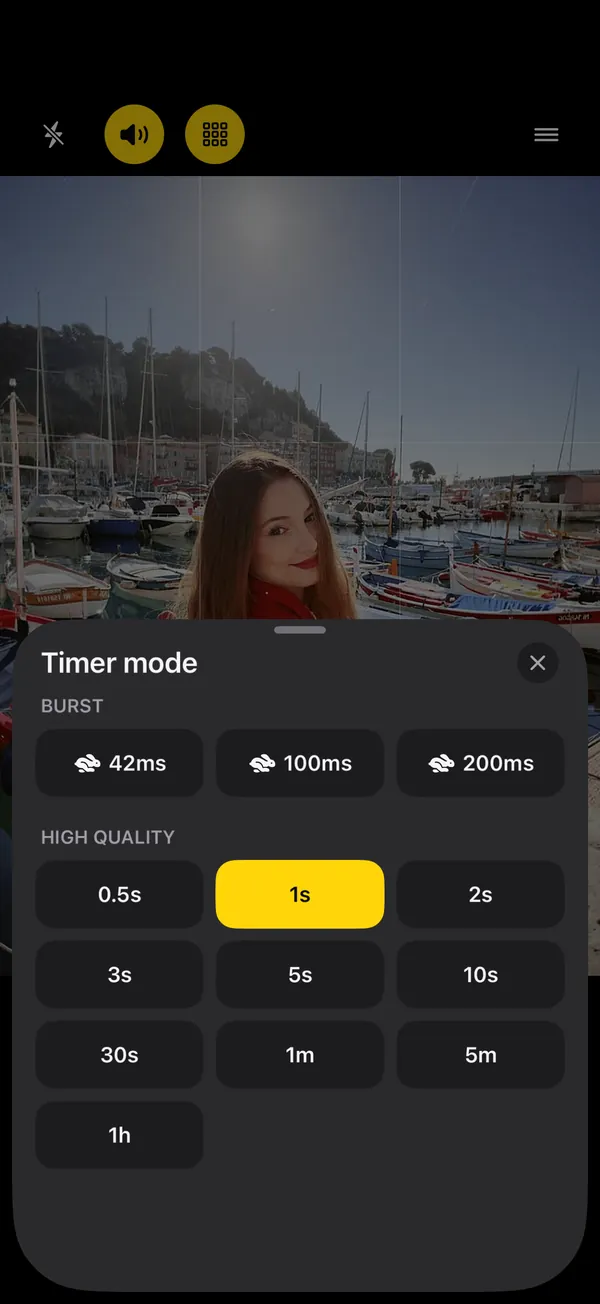
High-quality intervals of 0.5 s, 1 s, 2 s, 3 s, 5 s, 10 s, 30 s, 1 min, 5 min or 1 h. Burst intervals of about 42, 100 and 200 ms for movement SHOOTS+
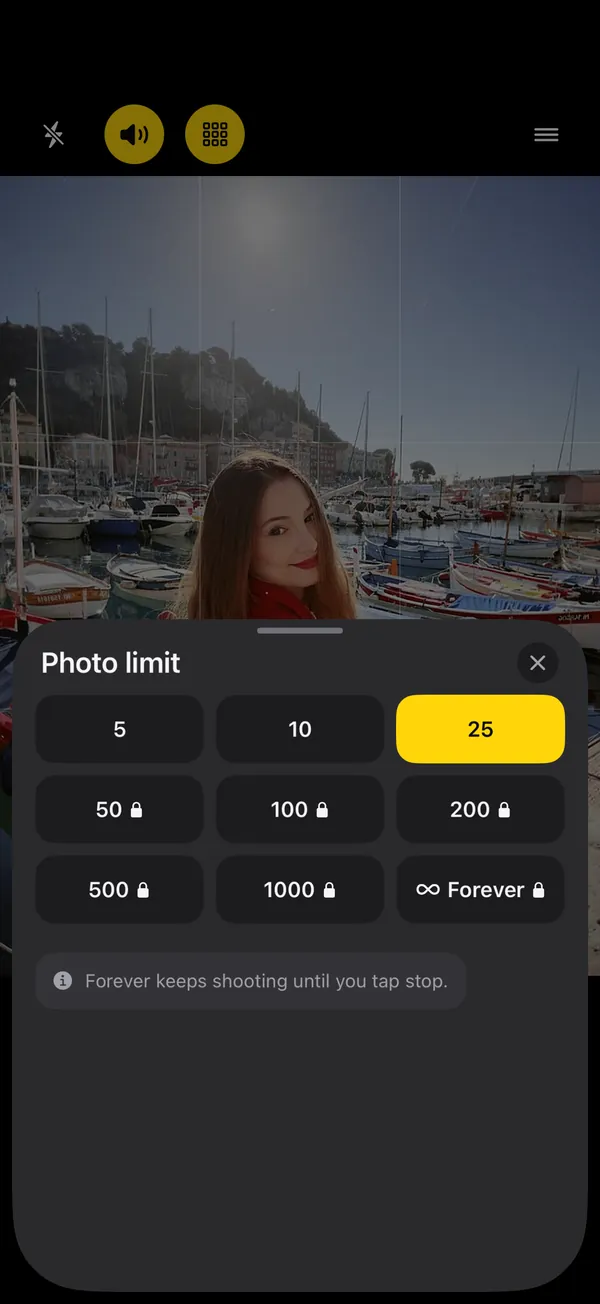
5, 10 or 25 photos per shoot. 50, 100, 200, 500, 1,000 or Forever, which keeps shooting until you tap stop SHOOTS+
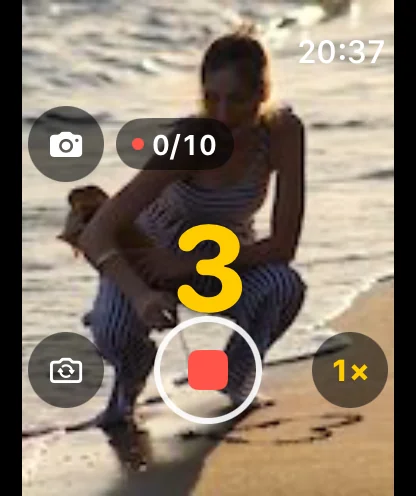
3, 2, 1 with countdown beeps, then a progress pill on screen (for example 13 / 25). Tap once to stop; a paused shoot can be resumed.
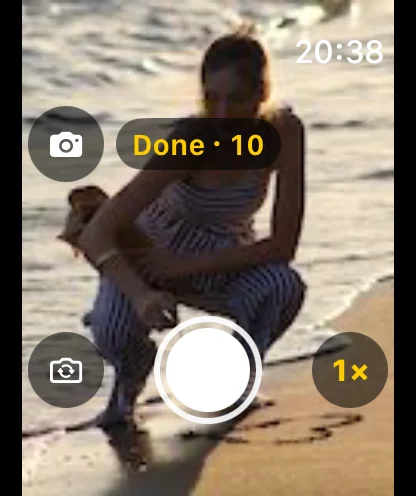
"Here we go — the photoshoot is starting." … "That's a wrap!" You never have to walk back to check.
Keeps the screen awake, warns about low battery and low storage out loud, and pauses if the iPhone gets too hot, then carries on once it cools down.
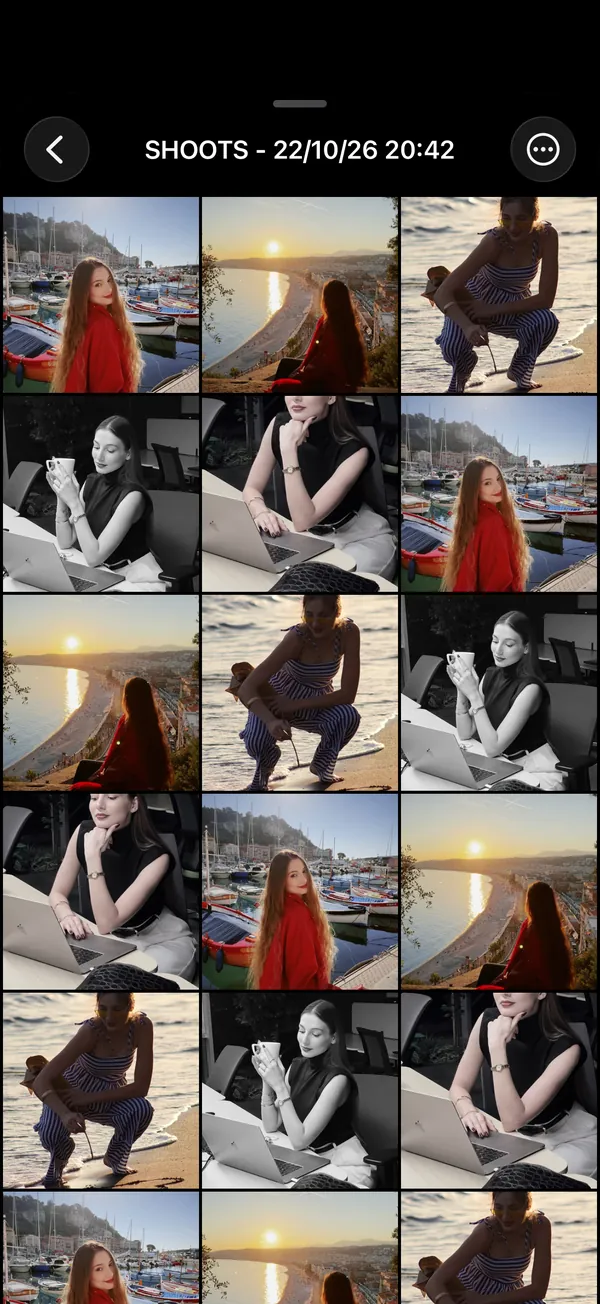
Every photoshoot lands in the gallery as its own session, so the 25 shots of you don't drown in your camera roll.
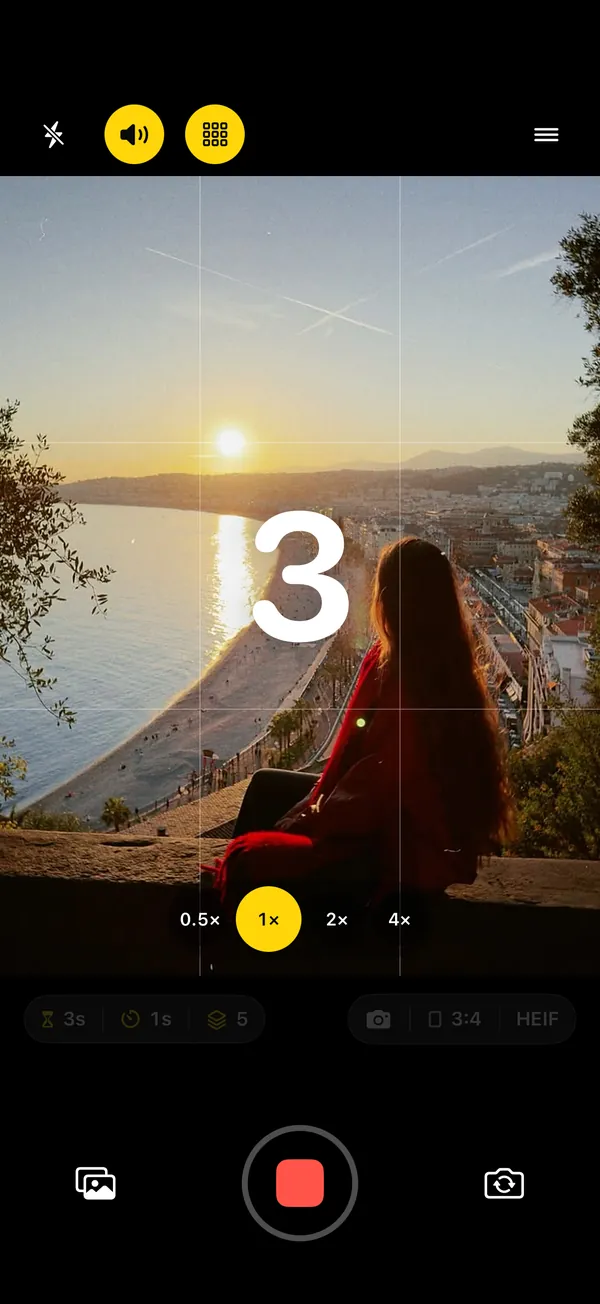
Hands-free start
Every hands-free start counts down at least 3 seconds, even on an Instant plan, so there's time to lower your hand and pose. All of these are free.
Apple Watch
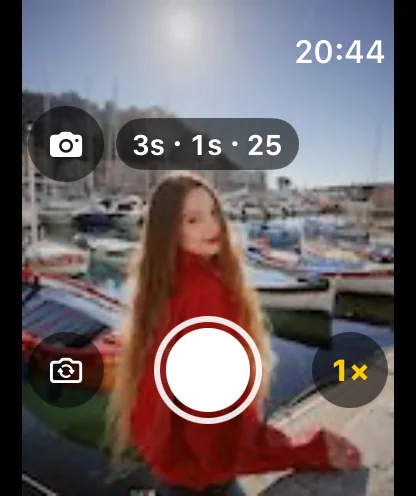
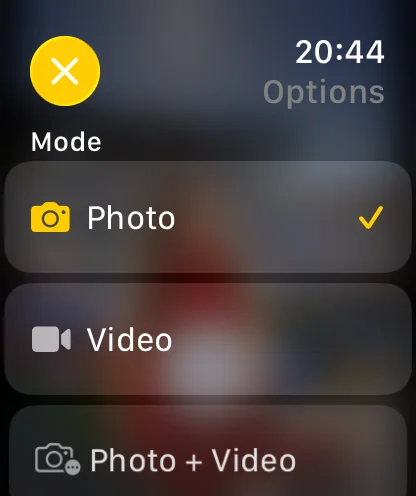
The SHOOTS Watch app talks straight to your iPhone over Apple's Watch connection. No Bluetooth clicker, no app account.
iPhone & iPad remote
A second iPhone or iPad running SHOOTS becomes the remote for the device you're shooting with.
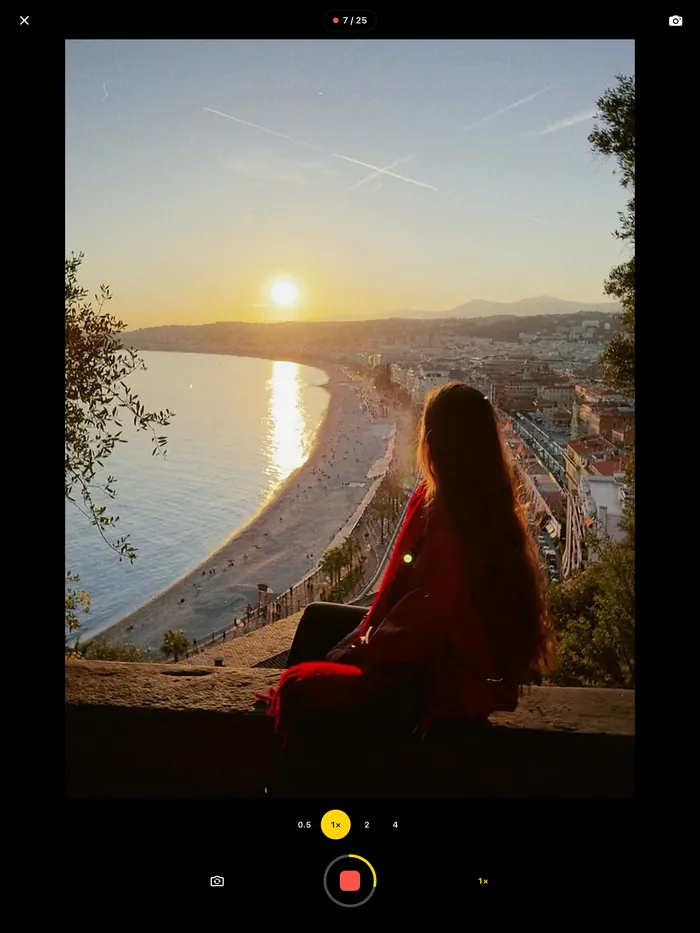
Camera
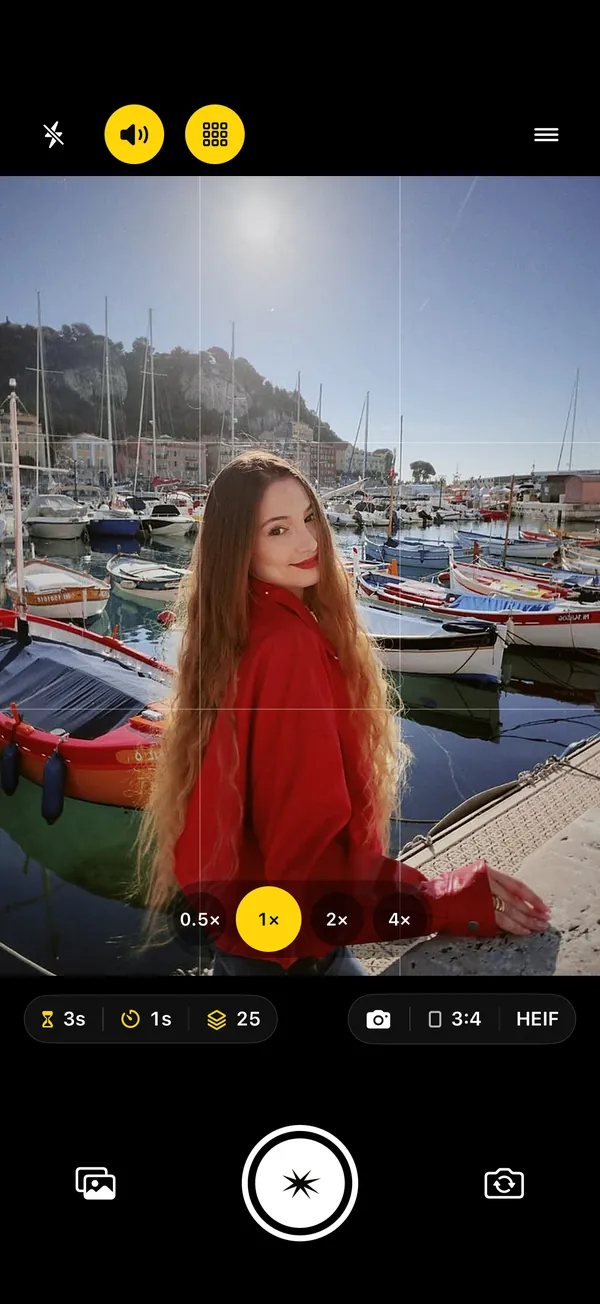
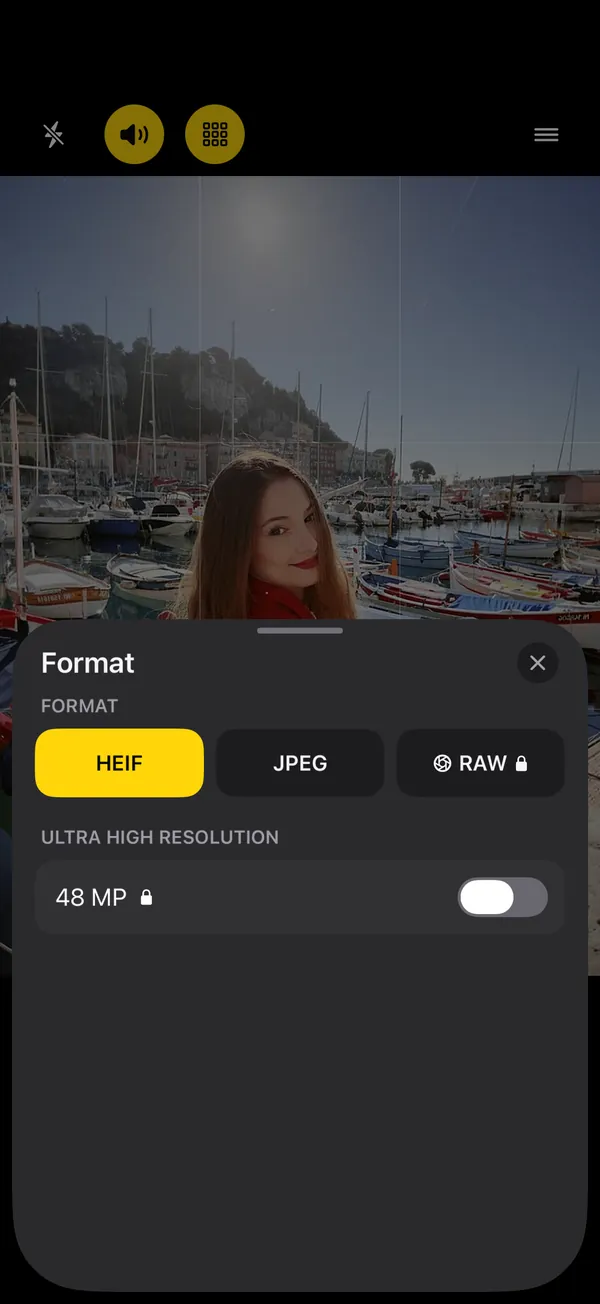
Modes & video
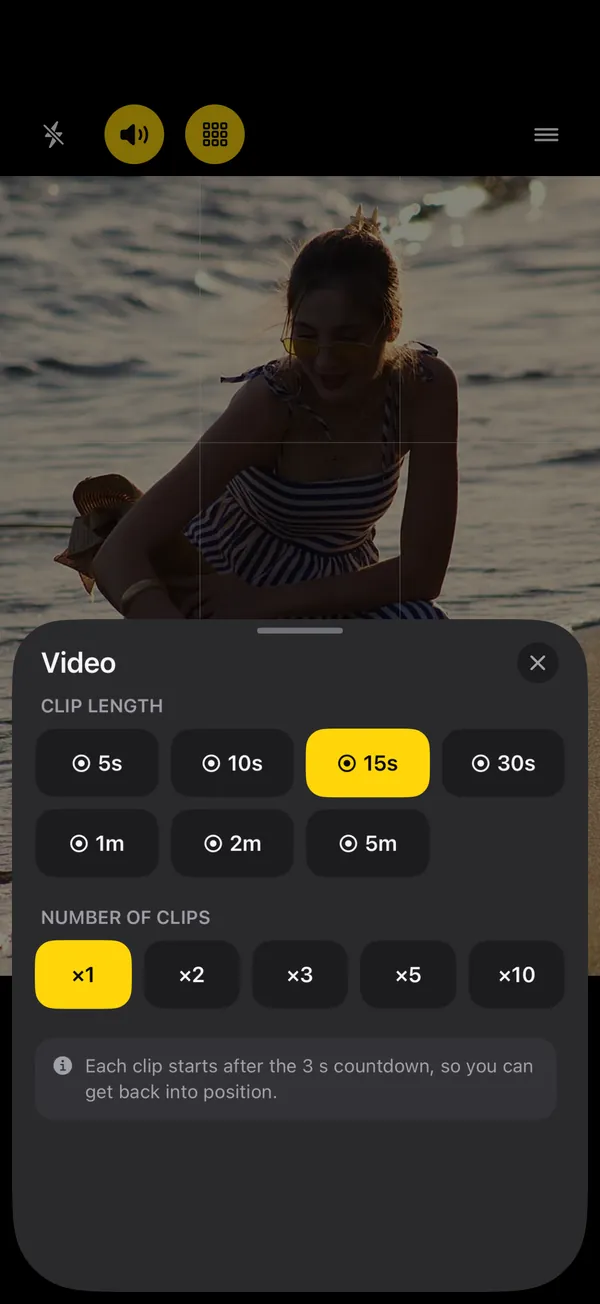
Photo is free. Portrait, Live, Photo + Video, Portrait + Video, Live + Video, Video and Cinematic are part of SHOOTS+ and use the same hands-free timer. Modes your iPhone can't do are hidden.
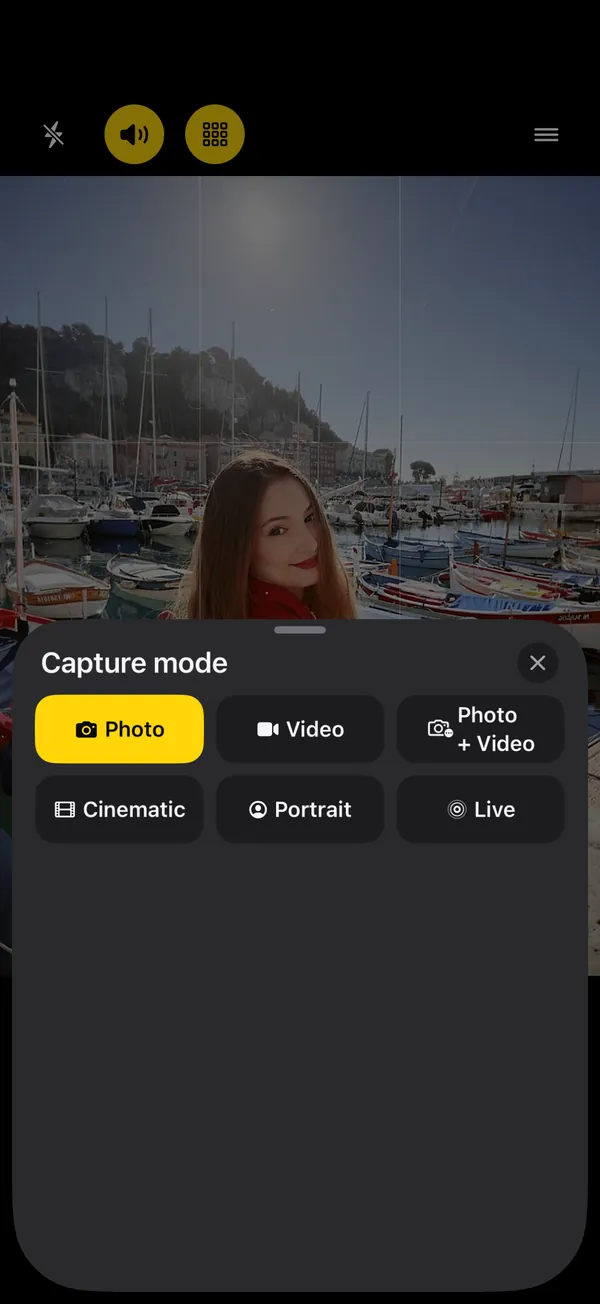
Voice & sound
Gallery & storage
The first three seconds
SHOOTS opens like a red-carpet arrival: the autofocus hunts and locks, the paparazzi open fire and every flash catches one letter, then the money shot prints the logo black on flash yellow. Tap to skip. With Reduce Motion or Dim Flashing Lights turned on in iOS, there's no strobing at all: it goes straight to the final frame.
Free vs SHOOTS+
SHOOTS is free to download and the core hands-free shoot is free. SHOOTS+ is an optional upgrade; you'll find the current details on the App Store.
| Feature | Free | SHOOTS+ |
|---|---|---|
| Start delay (Instant to 60 s) | ✓ | ✓ |
| Intervals 0.5 s to 1 h | ✓ | ✓ |
| Burst intervals (≈42, 100, 200 ms) | — | ✓ |
| Photos per shoot | 5, 10 or 25 | Up to 1,000 or Forever |
| Every lens, zoom, focus & exposure, flash | ✓ | ✓ |
| HEIF / JPEG, all 7 aspect ratios, grid, level | ✓ | ✓ |
| Apple ProRAW (DNG) and 48 MP | — | ✓ |
| Portrait, Live, the + Video modes, Video, Cinematic | — | ✓ |
| Hands-free start: palm, “Cheese”, Siri, widgets, volume buttons | ✓ | ✓ |
| Remote controls from Apple Watch, iPhone or iPad | ✓ | ✓ |
| Live viewfinder on Apple Watch, iPhone or iPad | — | ✓ |
| Ghost overlay on the camera | ✓ | ✓ |
| Countdown beeps, shutter sounds, announcements | ✓ | ✓ |
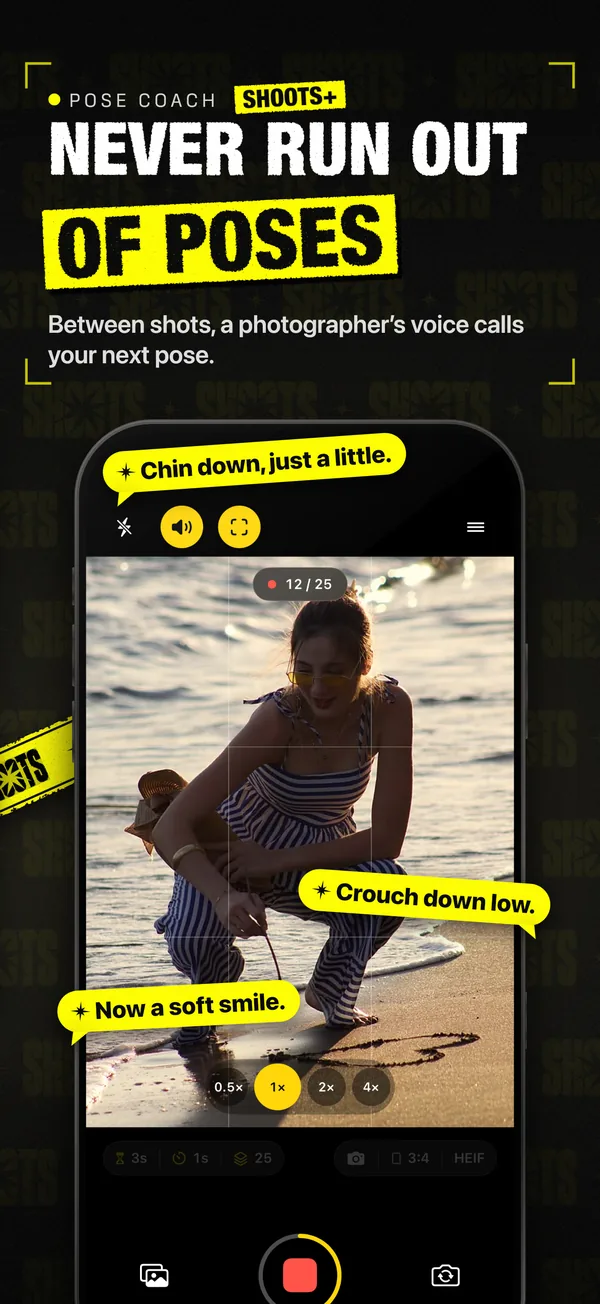
| Talk to me: Pose Coach and compliments | — | ✓ |
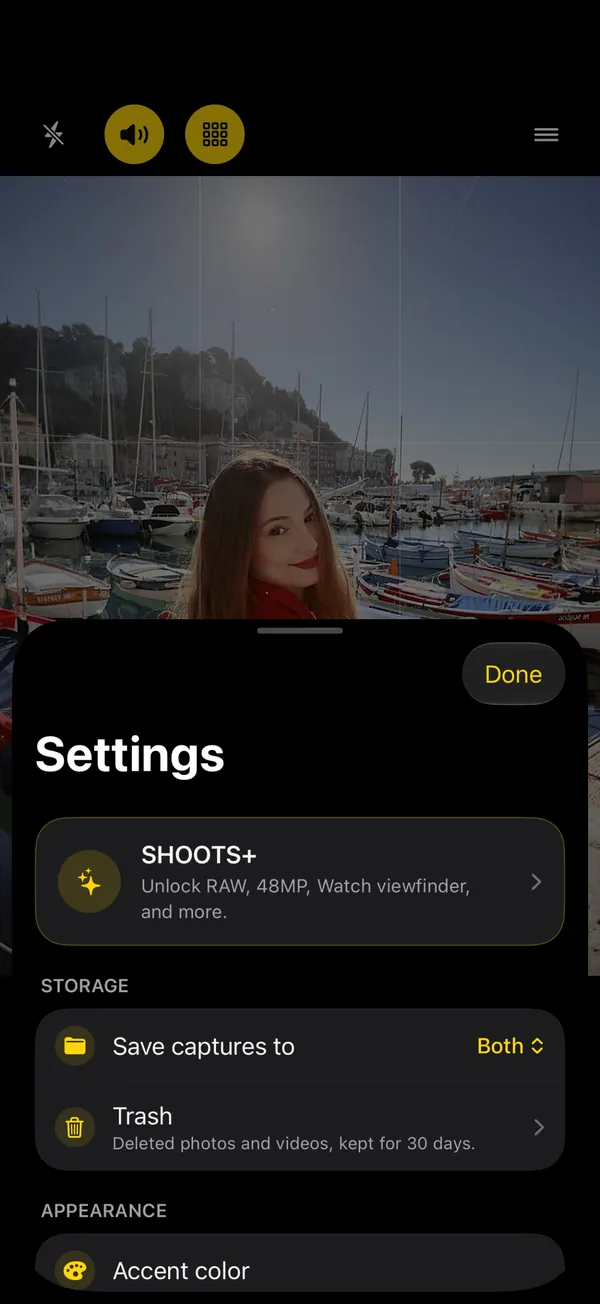
| Gallery, favorites, Save to Photos, 30-day Trash | ✓ | ✓ |
| No account, no ads, no tracking | ✓ | ✓ |
Requirements
On a computer?Scan with your iPhone camera