Raise your palm
Hold an open hand up to the camera until the ring fills. A fist, a wave or a peace sign won't set it off.

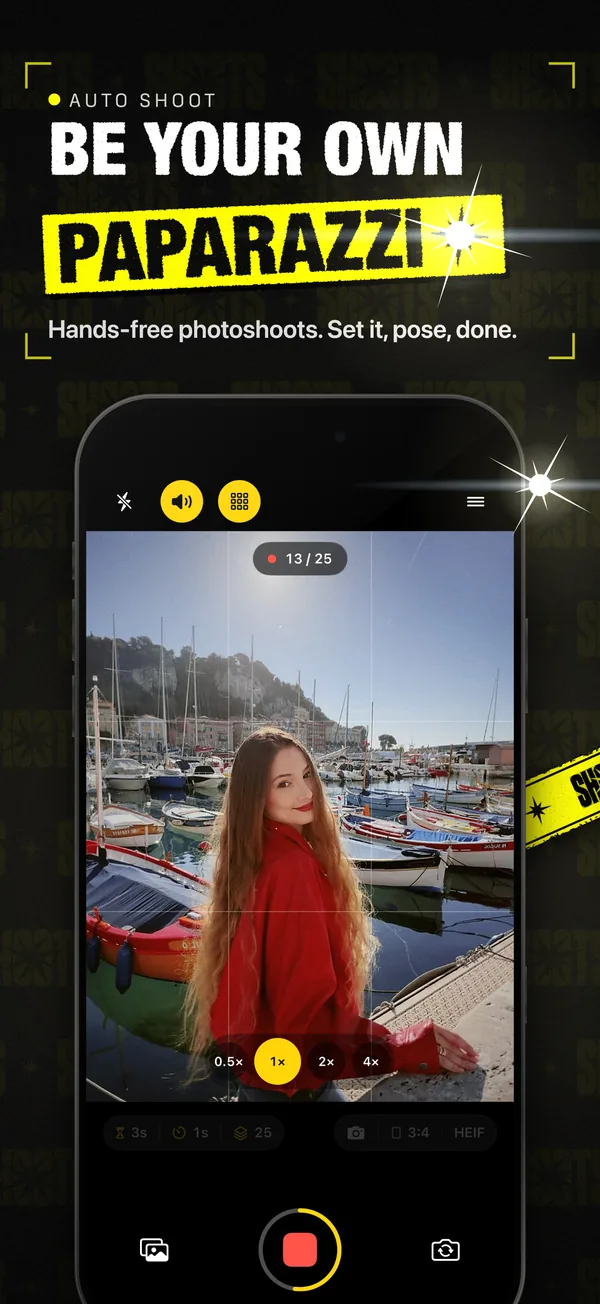
Prop your iPhone up, step into frame and pose. SHOOTS takes the whole photoshoot for you: a countdown, then shot after shot on your timer, while a voice hypes you up.

On a computer?Scan with your iPhone camera
Auto shoot
No friend to ask. No stranger holding your phone like a remote. No sprinting back after every click. SHOOTS turns a propped-up iPhone into a photographer that keeps shooting while you pose.
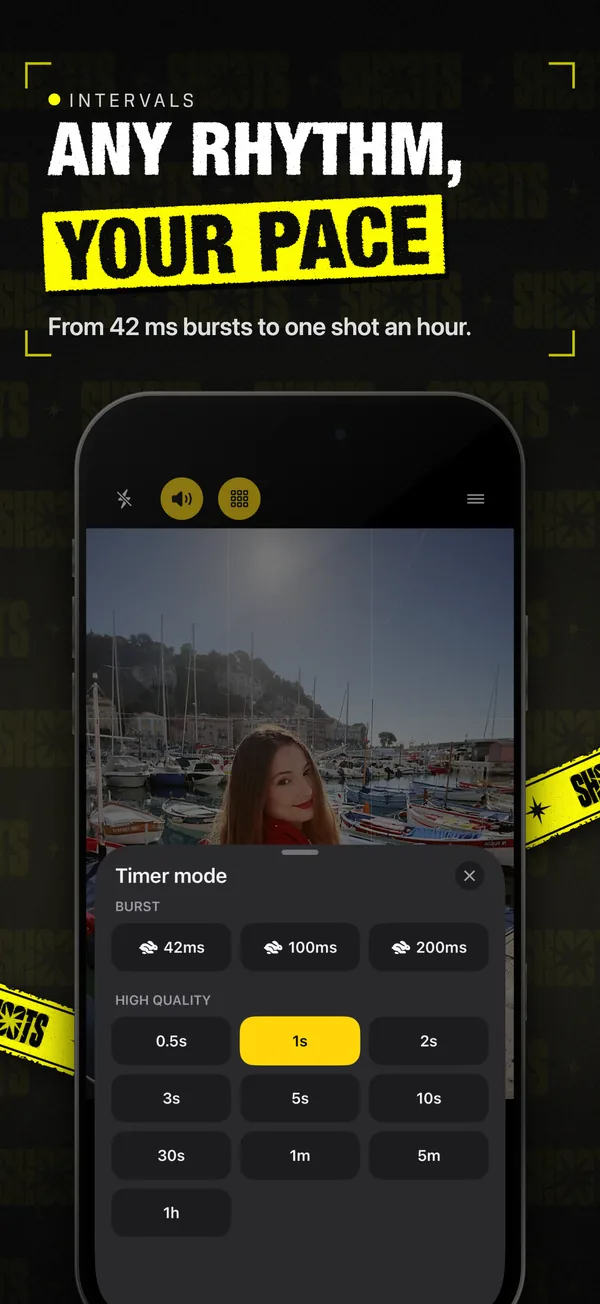
Custom delays and intervals do the work while you pose: from a burst for hair flips to one frame an hour.
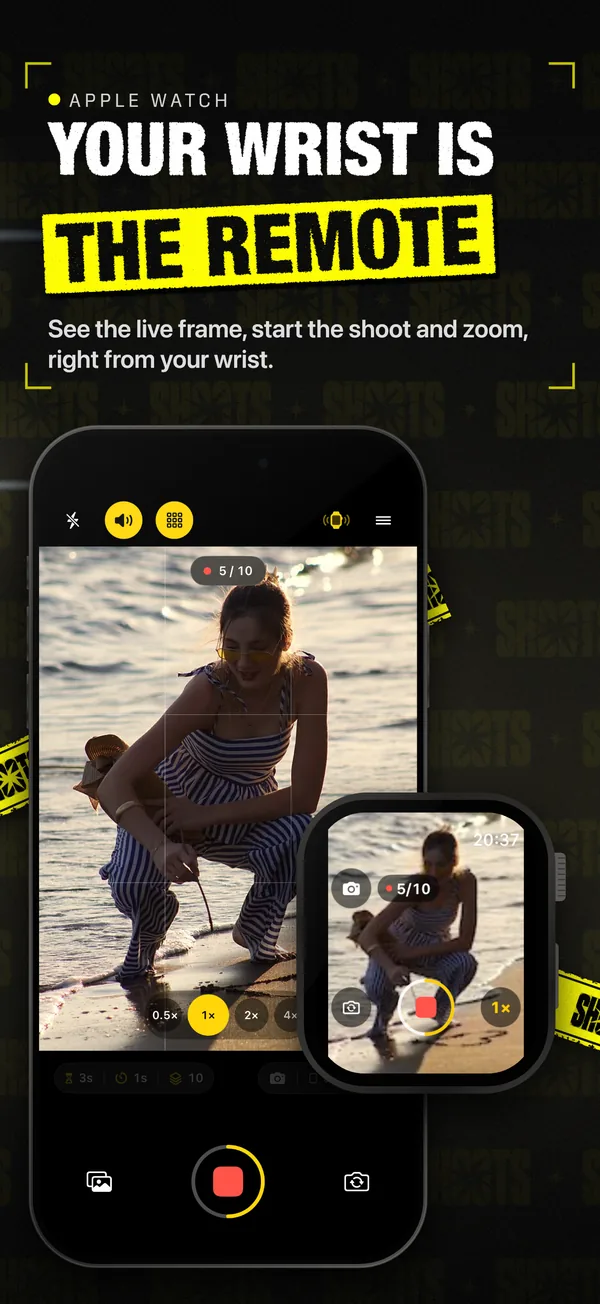
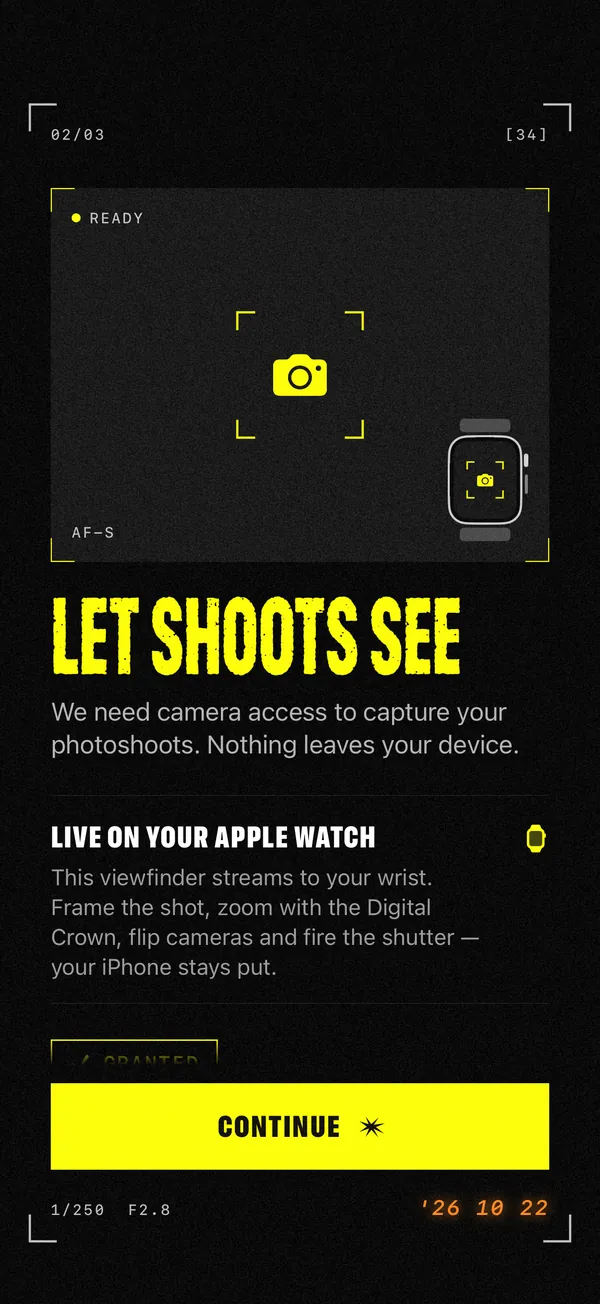
Start, stop, zoom and flip from your wrist. With SHOOTS+, see the live viewfinder on your Watch.
No account, no ads, no tracking. Your photos never leave your iPhone unless you share them.
How it works
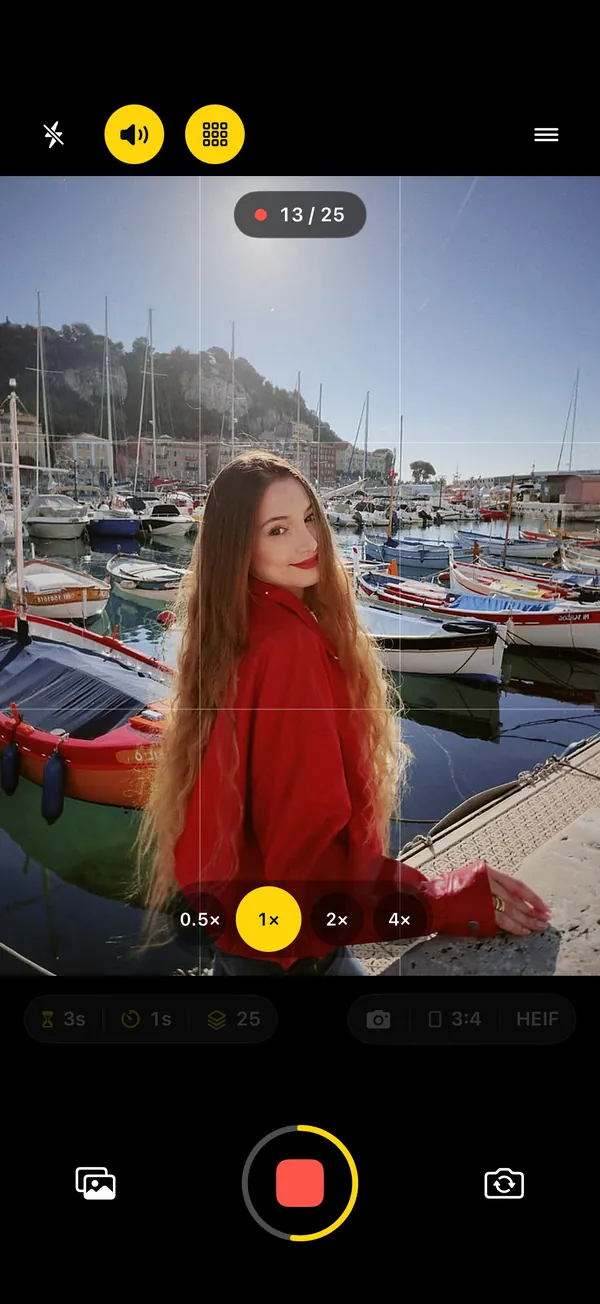
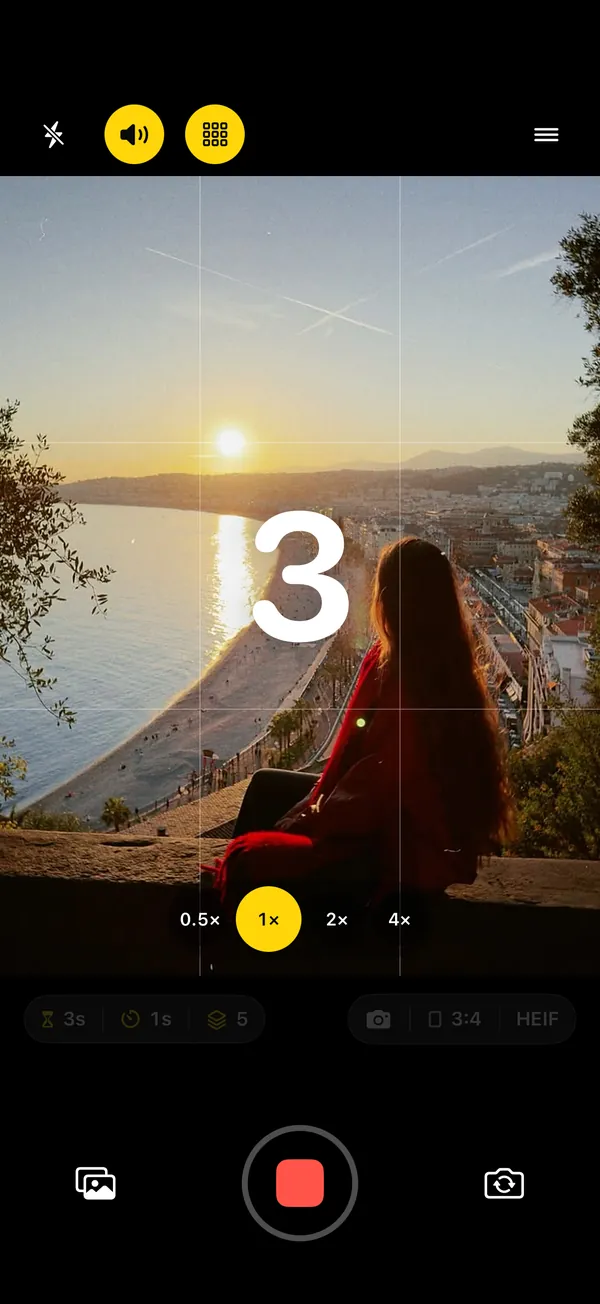
Four taps before the shoot, zero after. Real screens from the app.
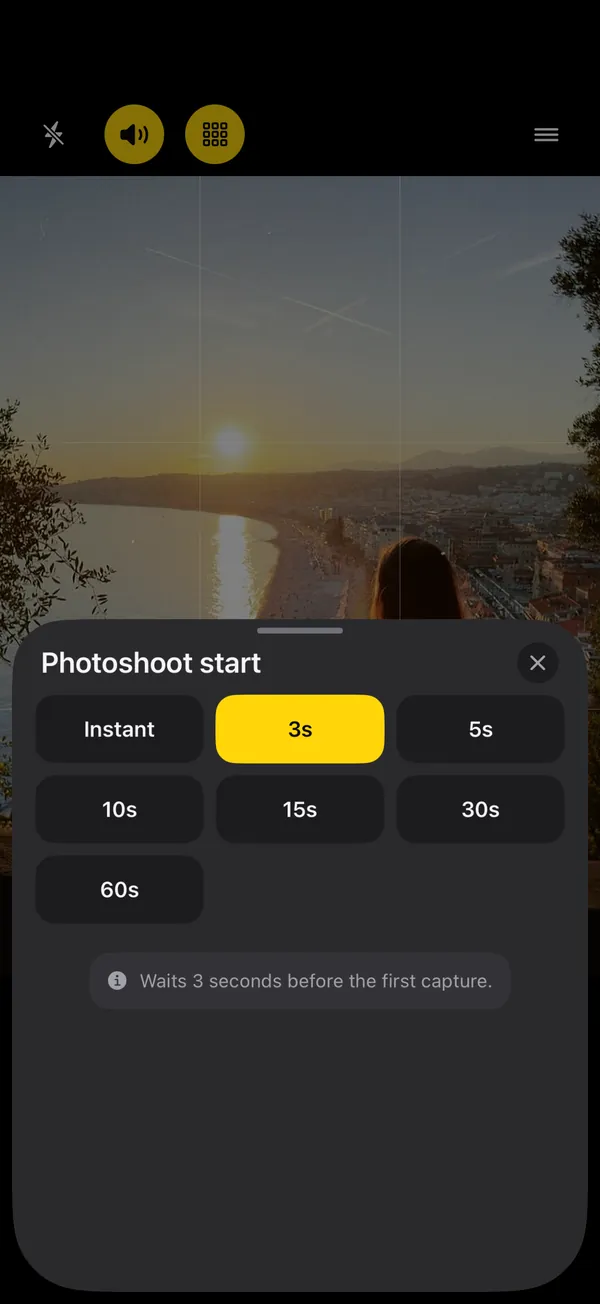
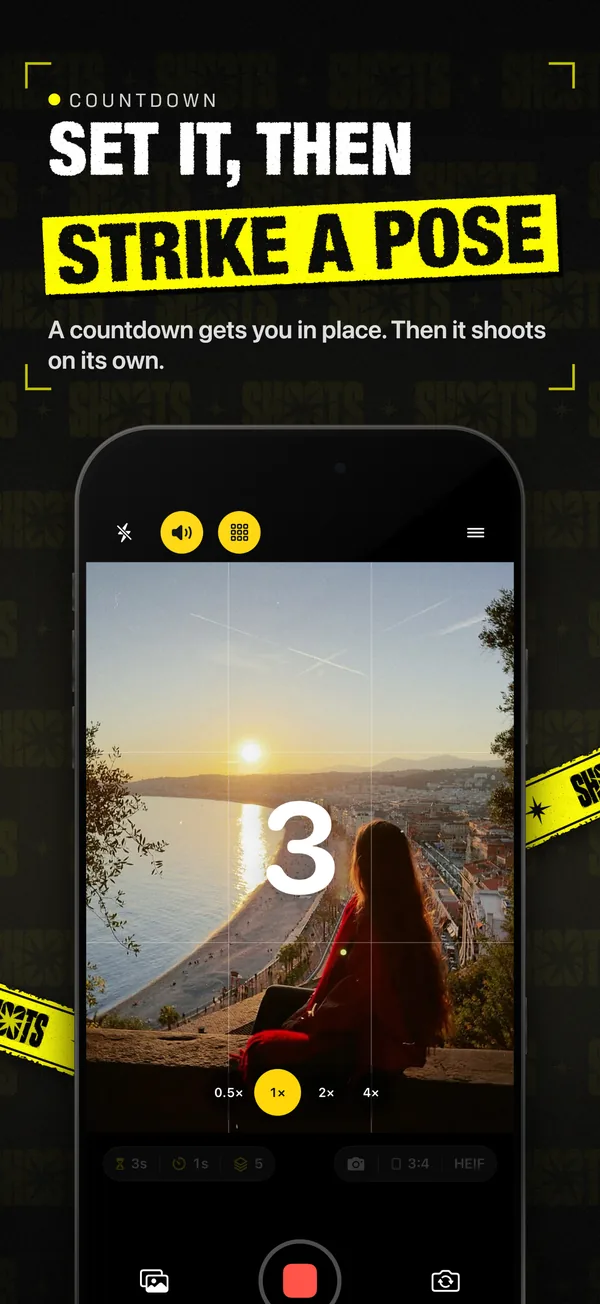
Up to 60 seconds to walk into place and settle.
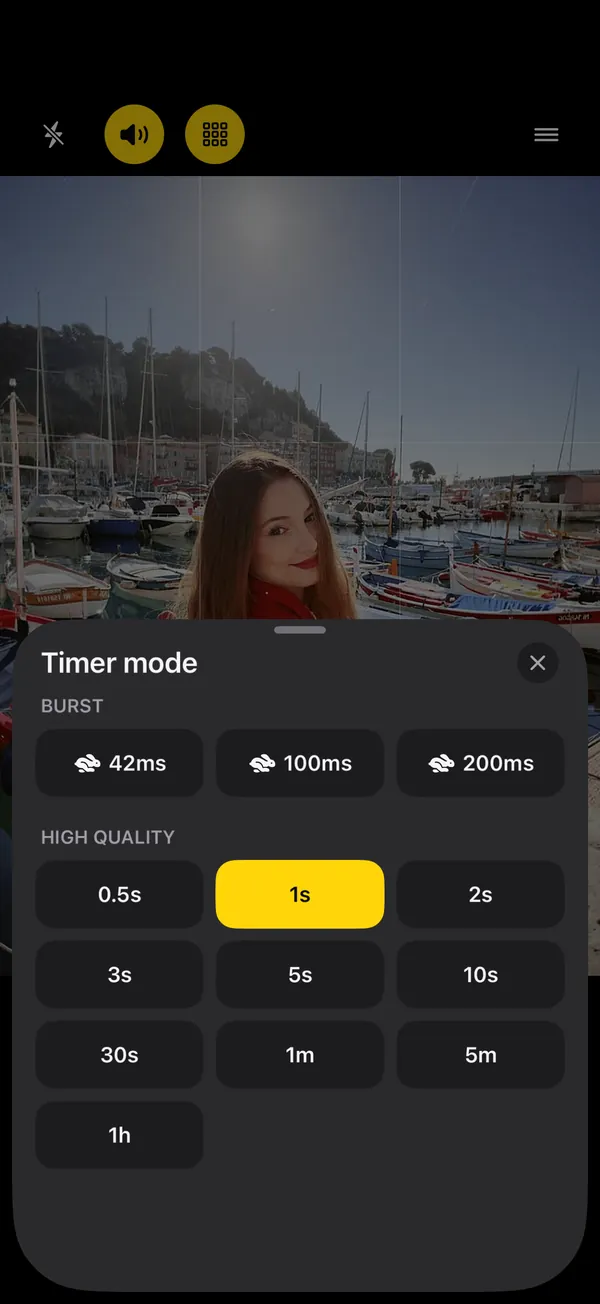
A photo every half second, every few seconds, up to once an hour, or a rapid burst.
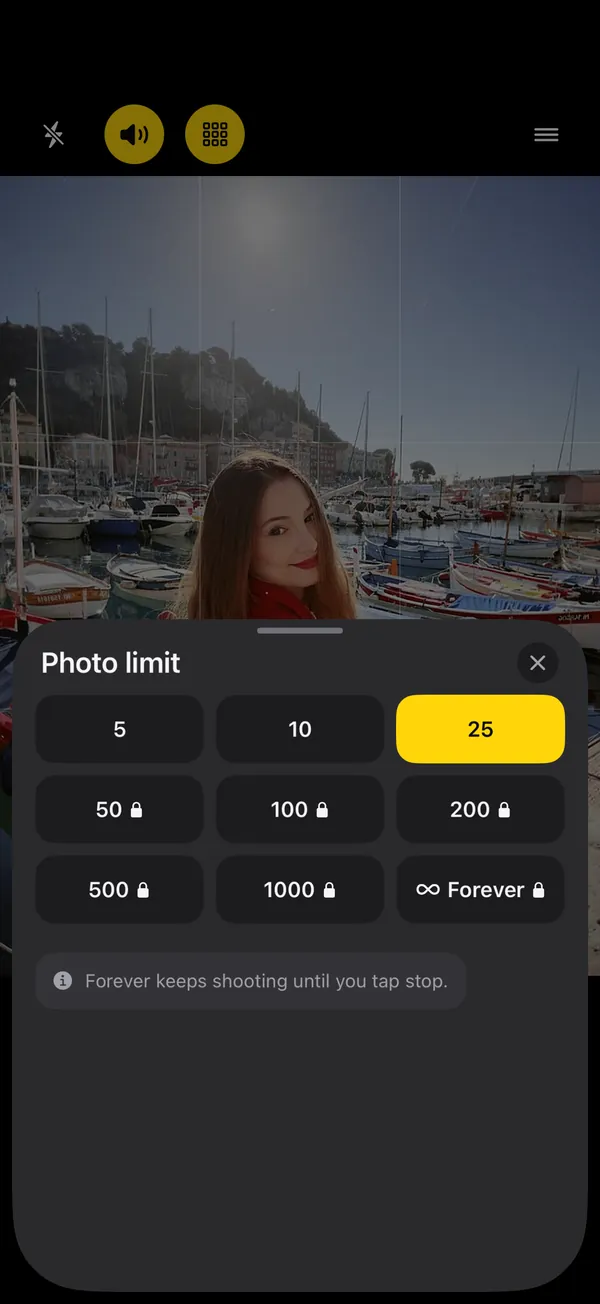
5, 10 or 25 photos. With SHOOTS+, up to 1,000 or Forever.
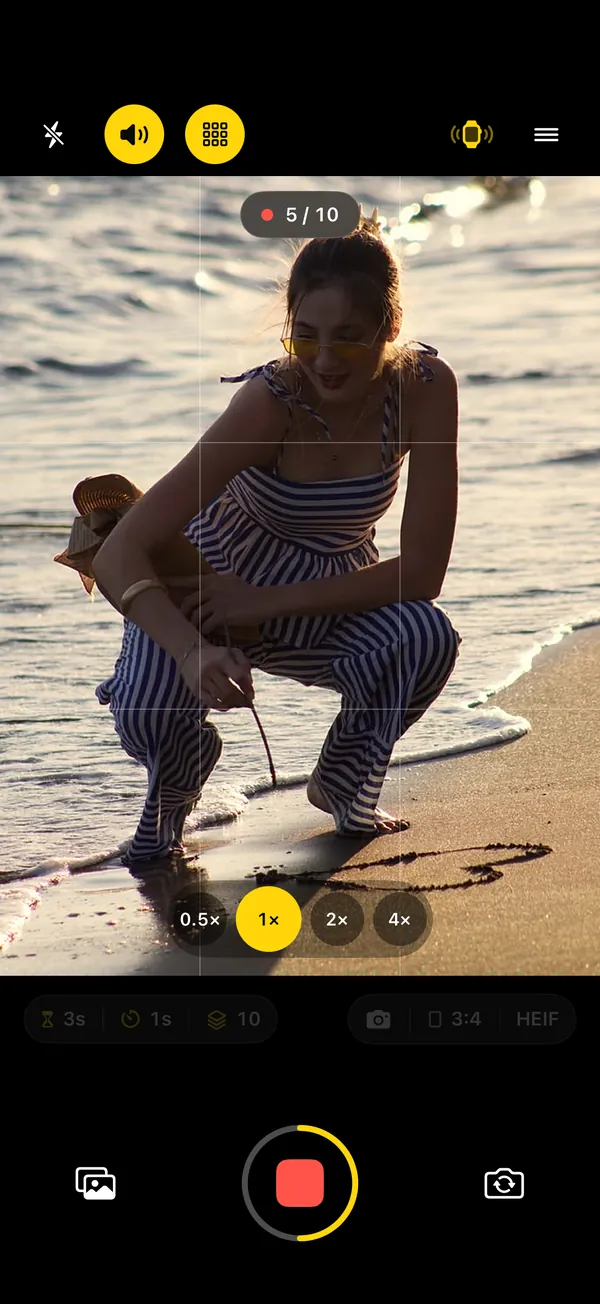
3, 2, 1, and SHOOTS fires frame after frame. It tells you when it's a wrap.
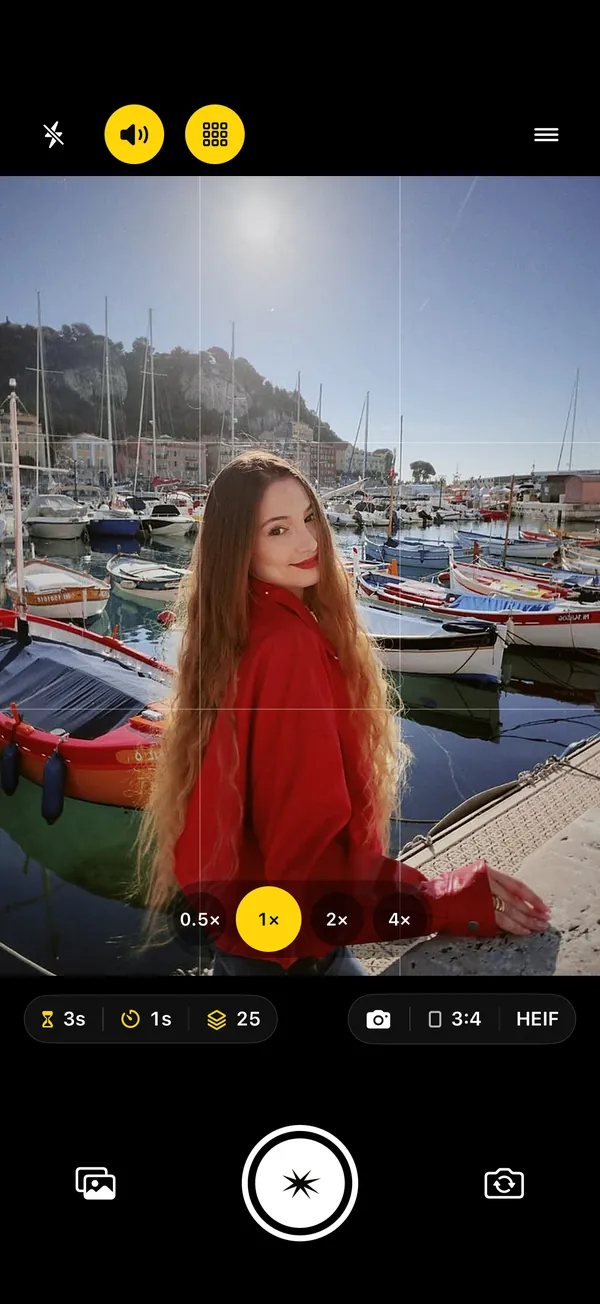
Try it here
Pick the settings, hit the shutter and watch the rhythm of a real SHOOTS session: the countdown, the frames, a little hype. (In the app, the camera is real.)
Photoshoot start
Timer mode
Photo limit
Hands-free start
Already in position? Don't walk back to the phone. Raise your palm or say “Cheese” and SHOOTS counts you in, always with at least 3 seconds to drop your hand and find your pose. Free, and recognized right on your iPhone.
Hold an open hand up to the camera until the ring fills. A fist, a wave or a peace sign won't set it off.
SHOOTS listens while the camera waits. Speech is recognized on your iPhone and never leaves it.
“Start a photoshoot with SHOOTS.” Or build it into a Shortcut with your mode, camera and timer.
Home Screen, Lock Screen and a Control Center button. One tap opens the camera and starts the shoot. In black & yellow, black & white or white & black.
On the camera screen, a volume button (or Camera Control) starts, stops and resumes the shoot.
An Apple Watch, iPhone or iPad can start it from across the room. See the remote ›
Timer mode
From bursts for jumps and hair flips to one frame an hour for long sessions. Tap an interval to see what it's for.
Burst SHOOTS+
High quality
Contact sheet
Apple Watch
Leave the iPhone on the wall and run the shoot from your Watch. Nobody sees a phone in your hand, because there isn't one. (Apple Watch pairs with iPhone, so this one is iPhone-only.)
Fire the shoot when you're in position, not ten seconds before.
Zoom between lenses with the crown, flip cameras, switch mode and flash in Options.
See exactly what your iPhone sees, right on your wrist, and frame the shot before you start.
iPhone & iPad remote
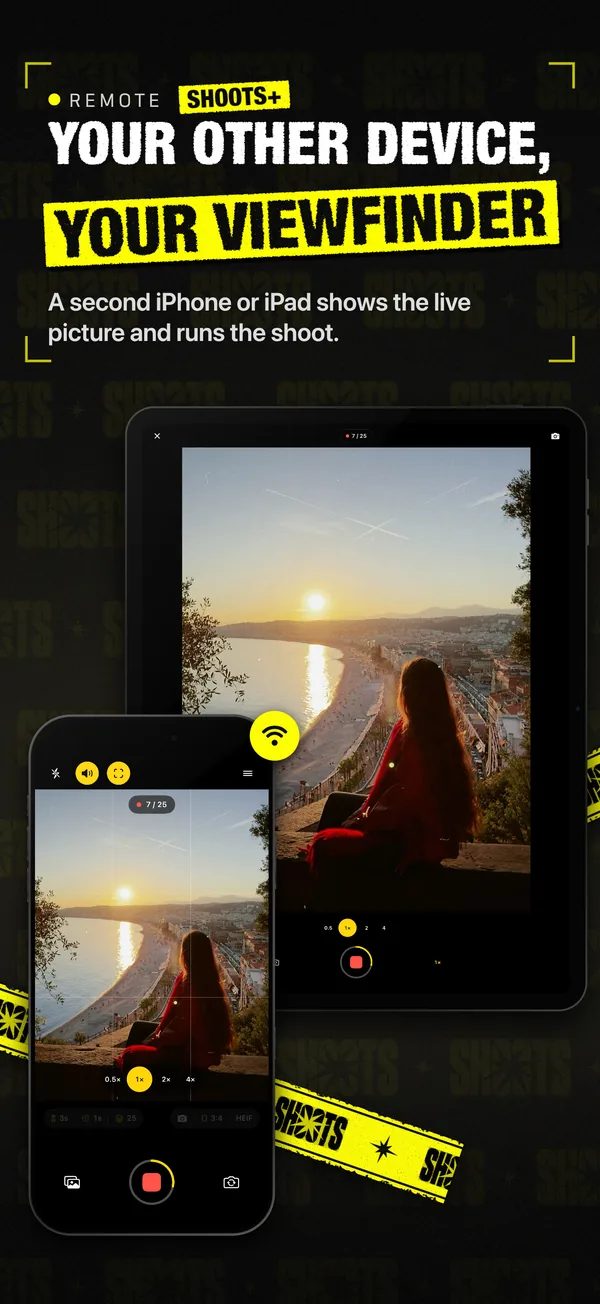
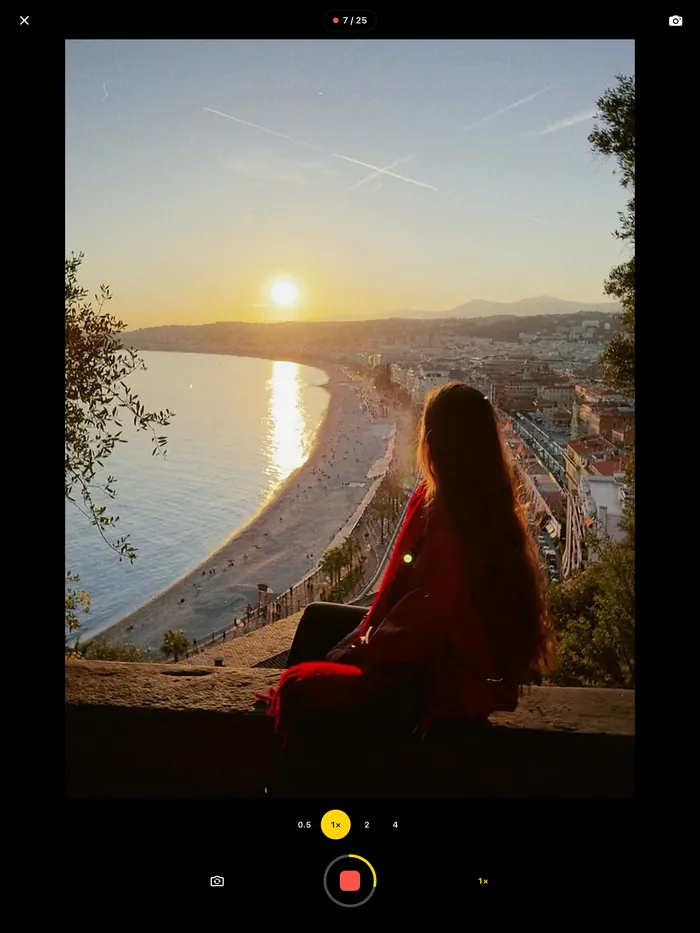
Shooting with your iPhone? Hold your iPad, or a second iPhone, and run the whole shoot from it: start and stop, switch lenses and modes, and with SHOOTS+ see the live picture big enough to fix a stray hair before the shutter fires.
On the camera: Menu → Remote → “Another iPhone or iPad as remote”.
On the other device: Menu → Remote → “Use this device as a remote”, then tap Allow on the camera. It won't ask again for that device.
The two connect straight to each other over Wi-Fi or Bluetooth nearby. Nothing passes through a server. Remote controls are free; the live picture is SHOOTS+
Voice & sound
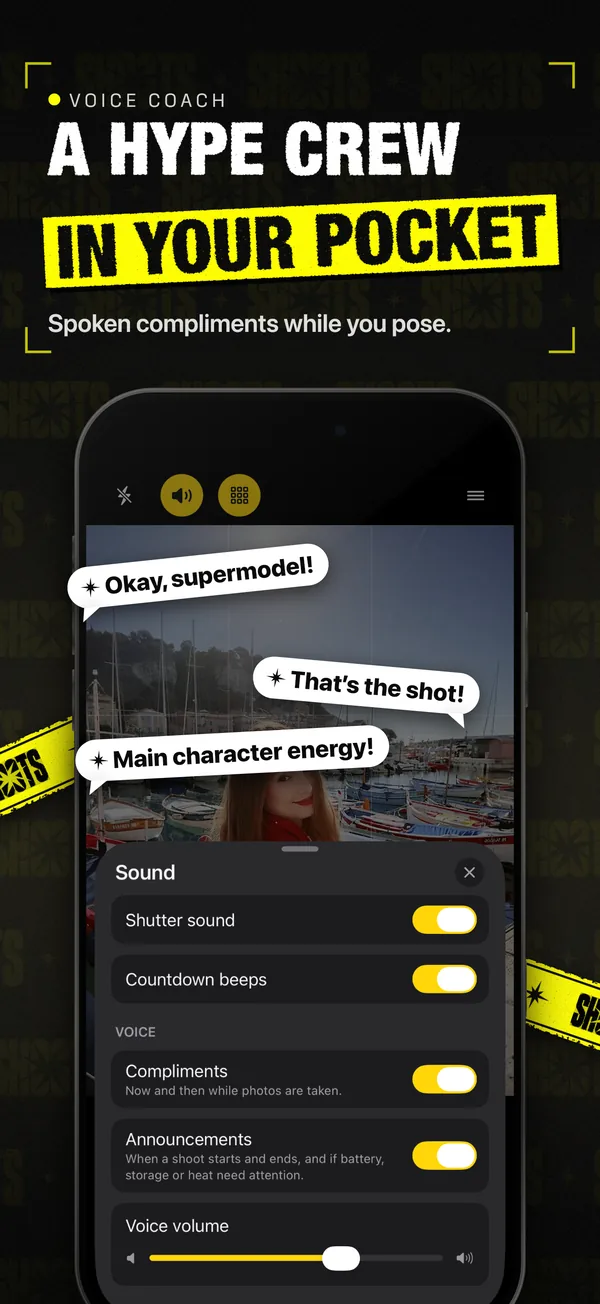
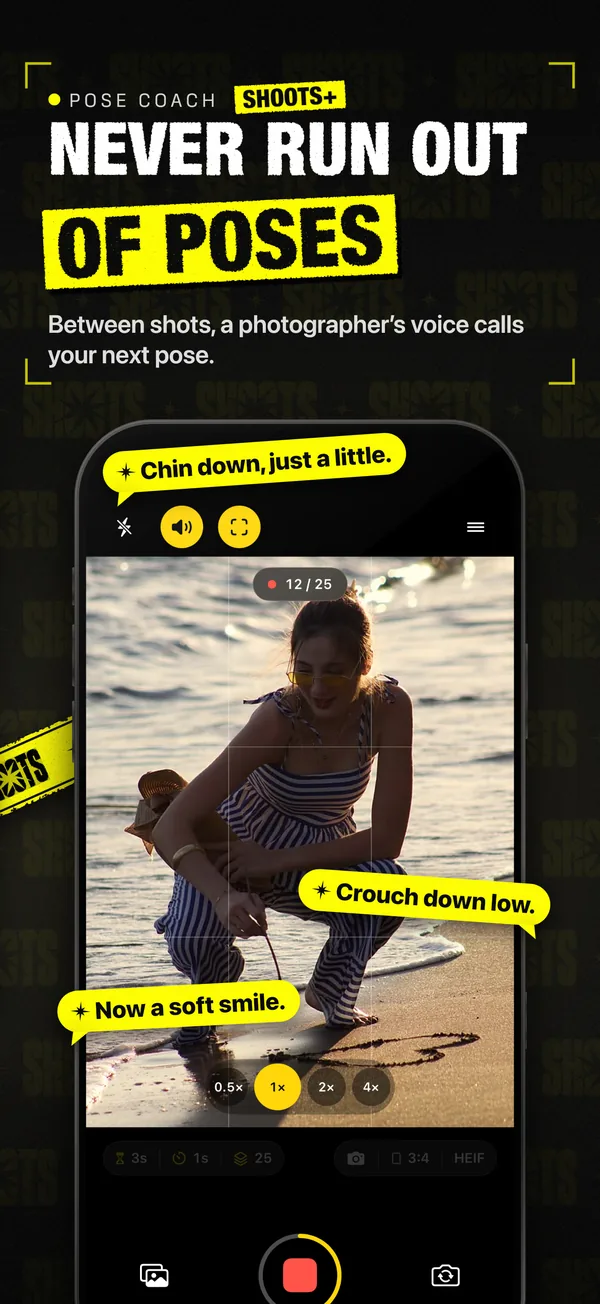
Posing alone is easier when someone's directing. SHOOTS announces when the shoot starts and when it's a wrap. With SHOOTS+, “Talk to me” turns on a photographer's voice: Pose Coach calls your next pose between shots, picked for whether you're in close-up or full body, and the compliments keep the energy up. Choose one, or both. Tap to listen.
iPhone · the classic click. Quick · short and crisp, good for bursts. Soft · a gentle tock. Paparazzi · your click, plus photographers around you firing too. Beep · one beep per photo: 25 photos, 25 beeps. Sounds follow the Silent switch, and SHOOTS reminds you if Silent Mode is on.
Pro camera, hands-free
A real camera under the timer, built on Apple's camera system: the same lenses, focus and exposure control you'd want if someone else were holding it.
Ultra wide to telephoto on the iPhones that have them, front camera wide or standard, pinch to zoom up to 15×.
Tap to focus, touch and hold for AE/AF lock, drag to brighten or darken before you walk into frame.
3:4 full frame, 2:3, 9:16, 4:3, 3:2, 16:9 and Square. Turn the iPhone and they turn with it.
A rule-of-thirds grid, a horizon line that lights up when you're level, and a see-through ghost of an earlier photo to match a pose or framing.
Auto, On, Off or Always On, which keeps the light lit for the whole shoot. Flash at night is the 2000s red-carpet look, no filter required.
Apple ProRAW (DNG) and 48MP on supported iPhones, on the ultra-wide and telephoto too on iPhone 17 Pro. HEIF or JPEG on every iPhone.
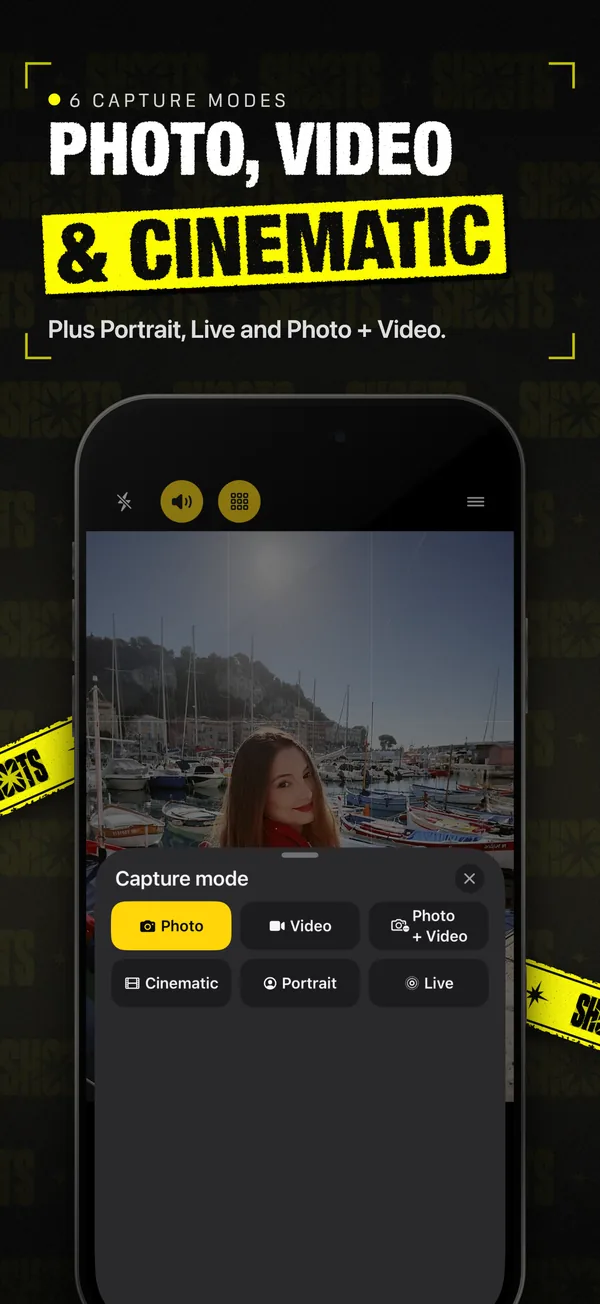
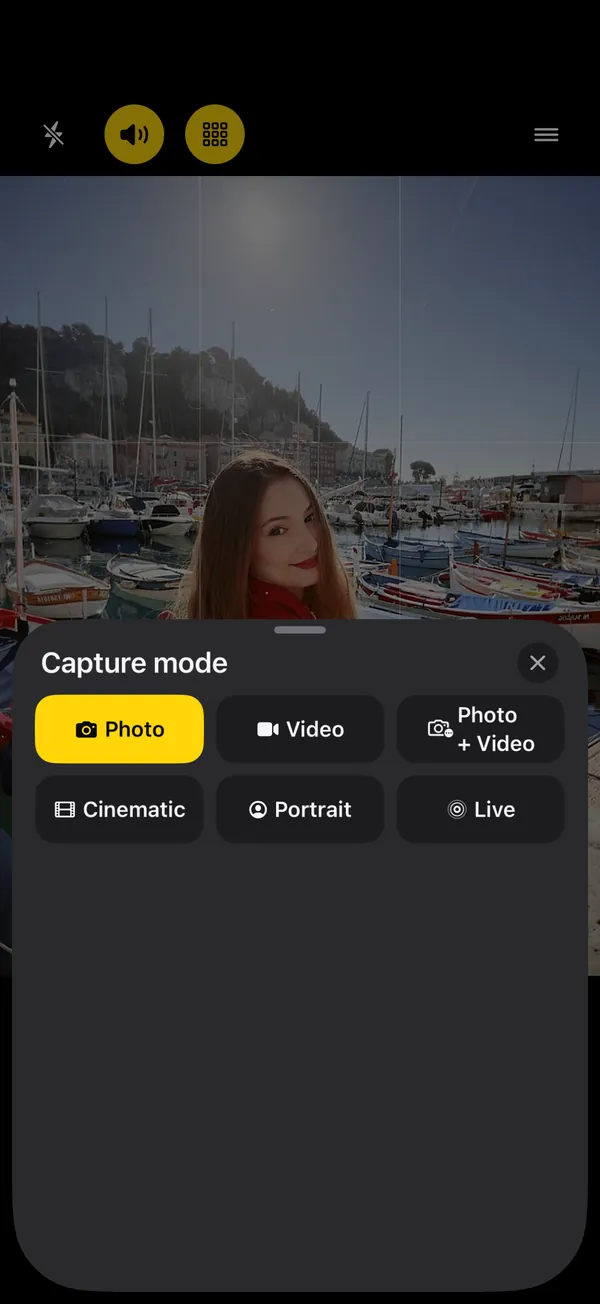
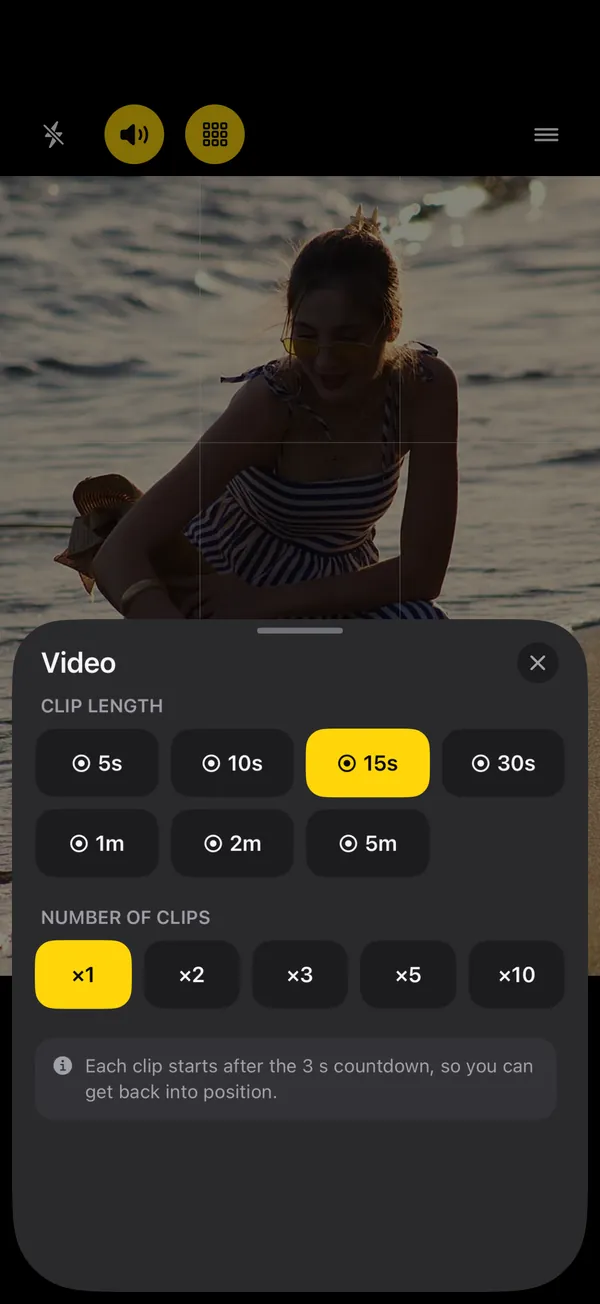
Photo is always free. With SHOOTS+, the same hands-free timer takes Portrait and Live Photos, can record a video of the whole shoot while the photos are taken (Photo, Portrait or Live + Video), and runs Video and Cinematic as timed clips: 5 seconds to 5 minutes, up to 10 clips, each after its own countdown, in 4K or HD at 24, 30 or 60 fps.
Gallery
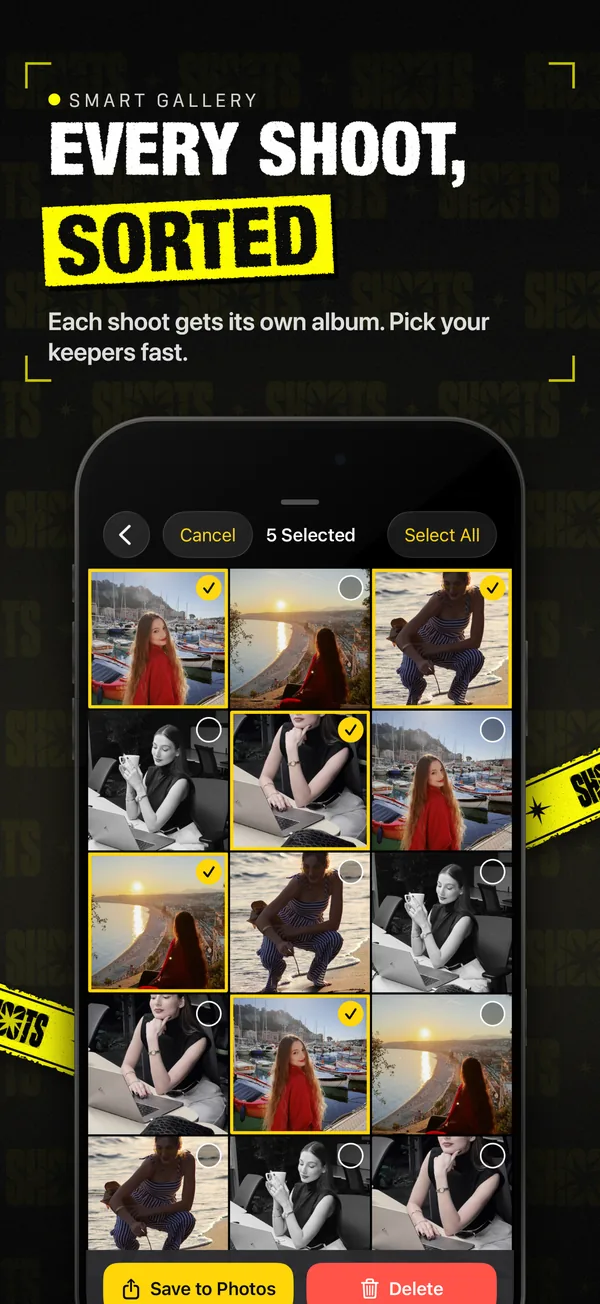
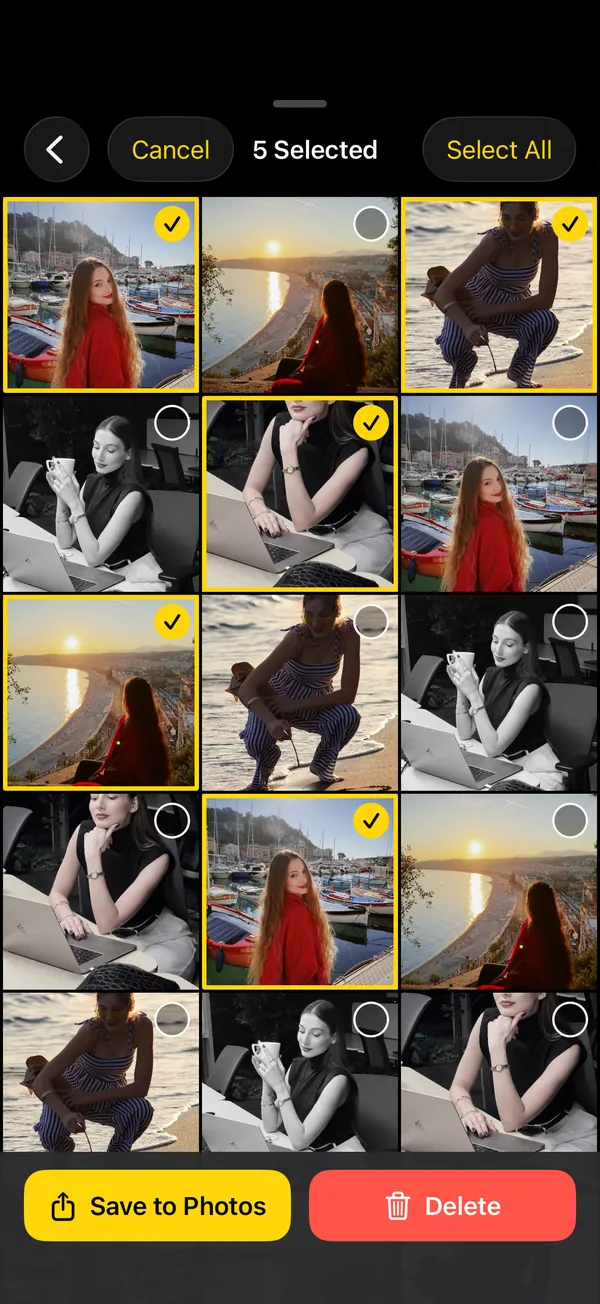
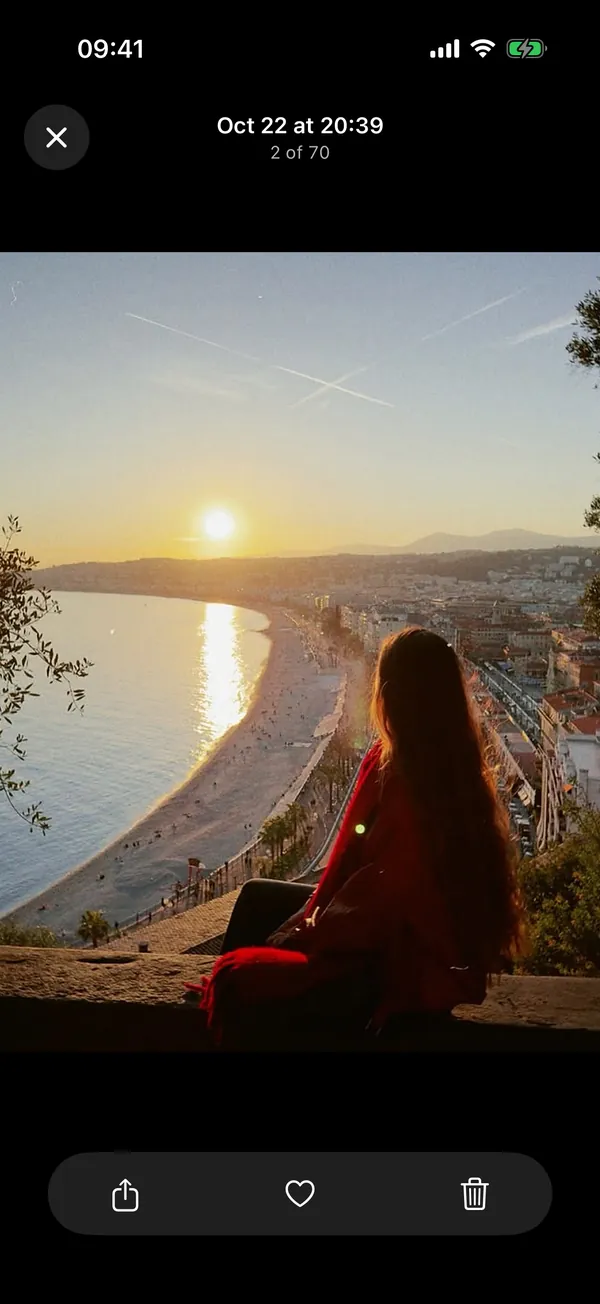
Twenty-five photos of you are only fun if you can find the good ones. Each shoot lands in the built-in gallery as its own album.
Swipe across thumbnails to pick a dozen at once. Favorite the keepers with a heart.
Keep shots in the app, in your Camera Roll, or both. In Photos, each shoot gets its own album.
Deleted photos wait in Trash for 30 days. Restore them, save them, or let them go.
Private by design
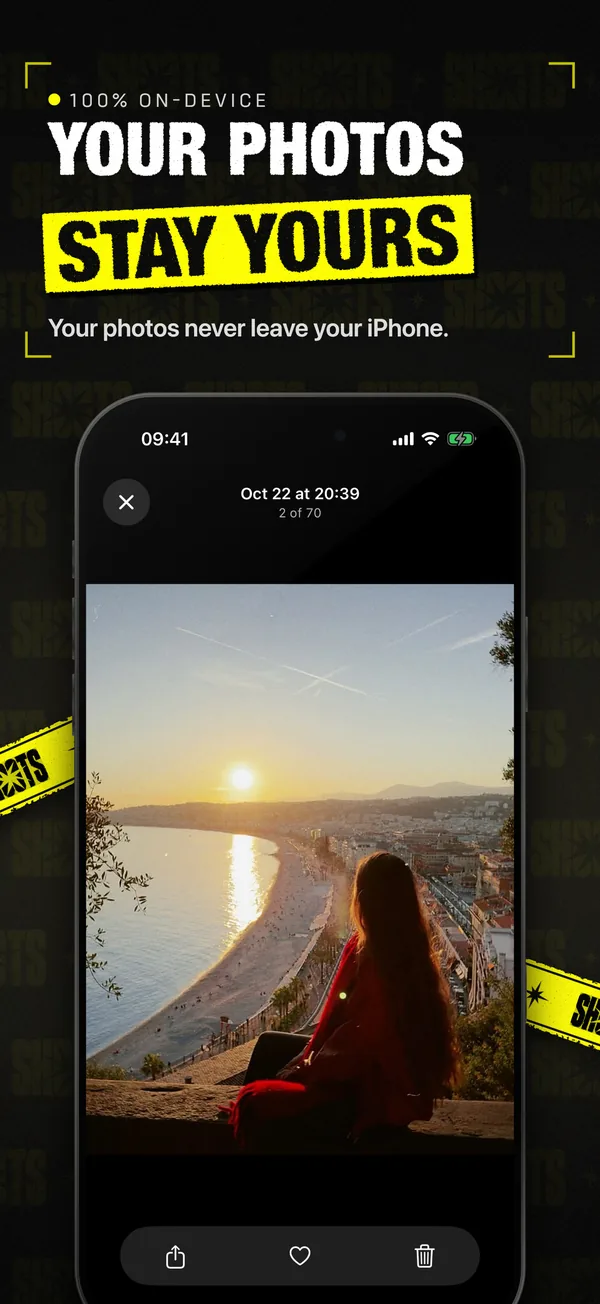
SHOOTS has no account, no ads, no analytics, no tracking and no servers. Your photos are captured and stored on your device and only leave it if you share them. Palm and pose detection and the “Cheese” voice start run on the device, and your Watch, iPhone or iPad remote talks straight to the camera.
The photo trio
SHOOTS takes the photos. Two sister apps from the same developer handle what comes after: posting the best ones and clearing out the rest.
SHOOTSProp it up, step in, pose. 25 frames, zero help.
How to shoot yourself › Step 2 · Post DUMP
Turn the keepers into a share-ready photo dump, carousel or collage in under a minute.
Meet DUMP › Step 3 · Clean Solo.Swipe
Swipe through your camera roll: left to delete, right to keep, up to file into an album.
Meet Solo.Swipe ›Guides & journal
Hard flash, a background gone black, a glint off your sunglasses. The red-carpet photo never needed a red carpet. It just needed someone to fire the flash, and that someone can be your iPhone.
SHOOTS Journal · 7 min read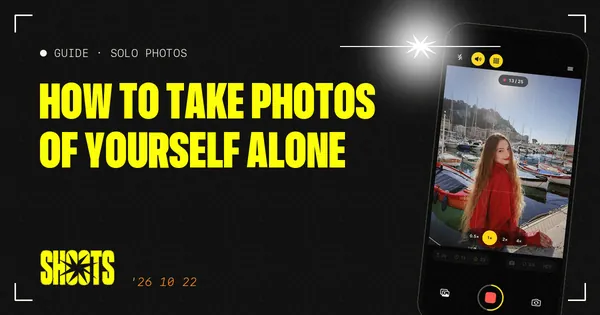
No tripod, no friend, no stranger you have to trust with your phone. Just a ledge, a timer and a plan.
Gül Eda Aydemir · 6 min read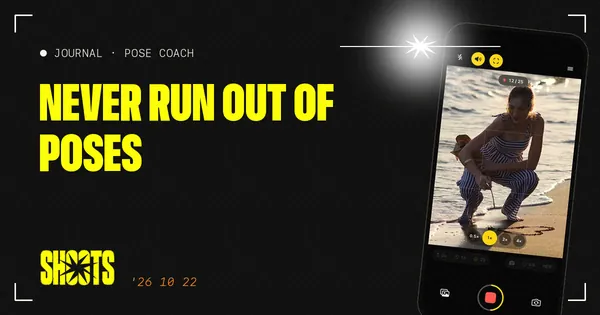
Every photographer has a running script: chin down, turn, walk to me, laugh. Now your propped-up iPhone has one too.
SHOOTS Journal · 5 min read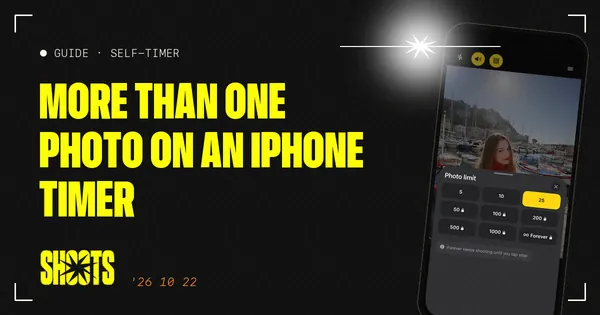
Apple’s timer counts down and shoots one moment. Here’s how to squeeze more out of it, and when to switch to an interval camera.
Gül Eda Aydemir · 7 min read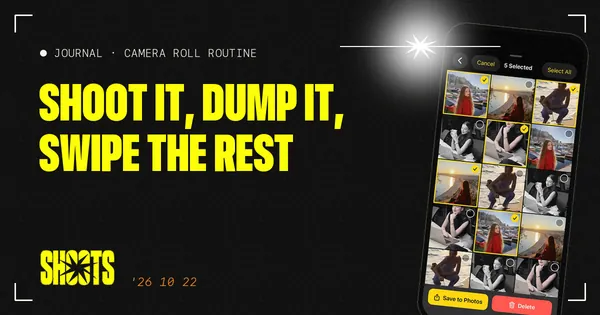
Twenty-five photos in, one carousel out, and a camera roll that doesn't make me sigh. The whole routine, from shutter to post.
Gül Eda, xoxo · 5 min read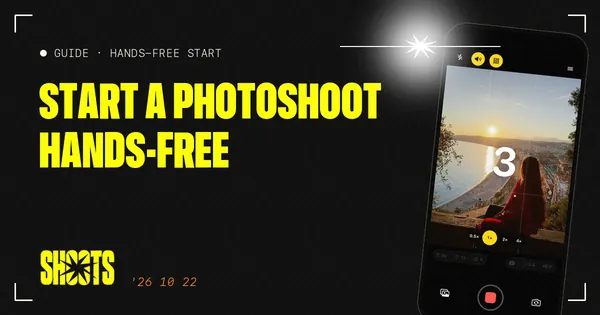
The worst part of a timer shot is the sprint from the phone to your spot. Here are all the ways to skip it, with Apple’s Camera and with SHOOTS.
Gül Eda Aydemir · 7 min readFAQ
SHOOTS · Self timer camera
On a computer?Scan with your iPhone camera