Guide · Movember · 1–30 November
Beard growth timelapse: a 30-day plan for Movember
Shave on 1 November, take one photo a day, and turn thirty days of fuzz into an under-ten-second video your friends will actually watch (and maybe donate to).
Quick answer
Start clean-shaven on 1 November and take one photo a day for 30 days: same spot, same light, same height, face straight to the camera. Line each photo up with Day 1 so only the hair changes, then make a timelapse with a "Day N" stamp. In Solo.Shots that's a daily project, a face guide and the ghost of your first photo.
Solo.Shots isn't affiliated with Movember. This plan works for any beard or moustache project, in any month.
What are the Movember rules for growing a moustache?
Start completely clean-shaven on 1 November, then grow and groom a moustache for the whole month. Movember's own FAQ says a traditional Mo ideally doesn't join up with your sideburns (that's technically a beard) and preferably doesn't run down across your chin (that's a goatee).
Not a moustache person? Movember also lets you take part by moving 60 miles over the month, hosting a get-together, or creating your own challenge. Only the growing kind needs this guide, though a beard project works the same way.
When should I set up my beard timelapse?
Before November. Set up the spot and the project on 31 October, shave, and take Day 1 on the morning of 1 November. Day 1 is the most important photo of the month: it's the "before" everyone compares against.
- Pick a spot near a window, with a plain, light-colored wall behind you.
- Mark where the phone goes (a shelf works) and where you stand.
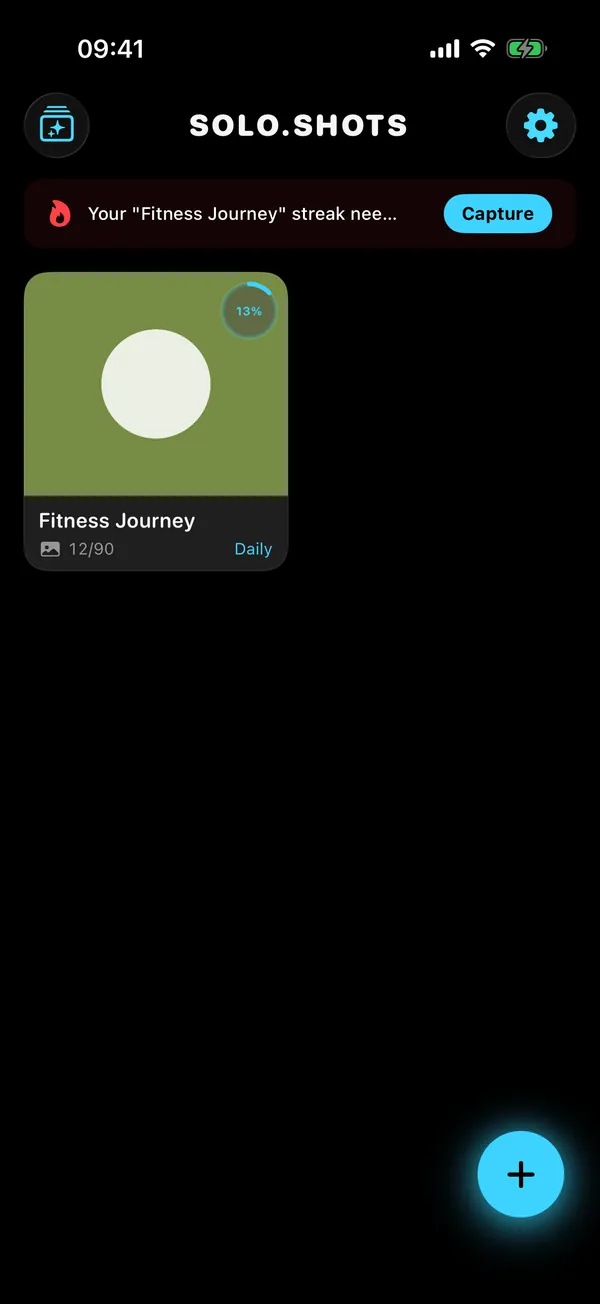
- Create a daily project with a photo goal of 30. (If you chose Beard / Hair when you first opened Solo.Shots, it's suggested for you; just change the goal to 30.)
- Set the reminder for a time you're always home, like right after brushing your teeth.
- Add the Solo.Shots widget to your Lock Screen: it says when today's photo is due and opens the project's camera.
Which angles should I shoot?
Straight-on is the must-have. A three-quarter or side angle is a bonus that shows length and shape.
- Front: chin level, eyes to the lens, neutral face. A smile changes the shape of a moustache more than a week of growth does.
- Three-quarter or profile: make it a second project so each series lines up with itself. In the free version, the first project is free and the next unlocks after a short ad.
- Head position: line up your eyes and nose with the Day 1 ghost. The level takes care of the phone's tilt; your chin is your job.
How do I get the same light every day?
Same place, same time of day, facing a window. Light changes how much stubble you can see more than anything else.
- Avoid overhead bathroom light alone: it throws a shadow under your nose, exactly where a young moustache lives.
- Flash off. Lock focus and exposure (AE/AF lock) so the brightness doesn't flicker from day to day.
- Dark hair disappears against a dark background, so pick a lighter wall.
What's the daily routine?
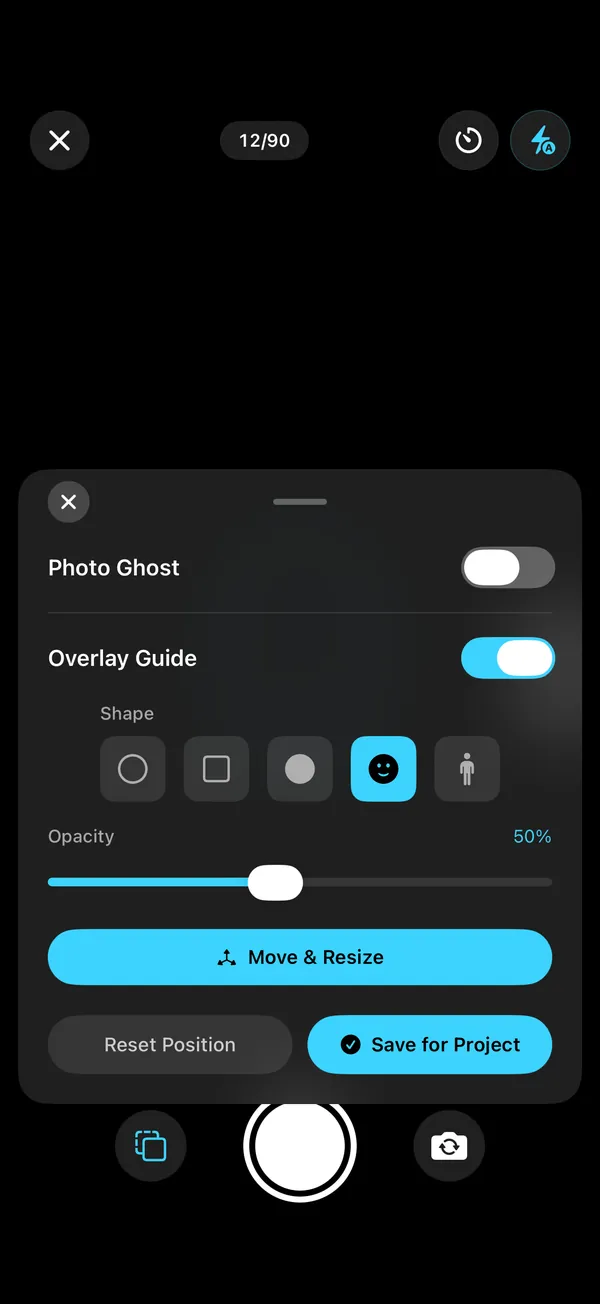
About thirty seconds, once the spot is set up:
- Tap the widget: it opens straight into your project's camera.
- Put the phone on its mark.
- Photo Ghost on, aligned to your First photo, at about half opacity.
- Match your face to the ghost and wait for the level's buzz.
- 3-second timer, neutral face, done.
How do I turn 30 photos into a timelapse?
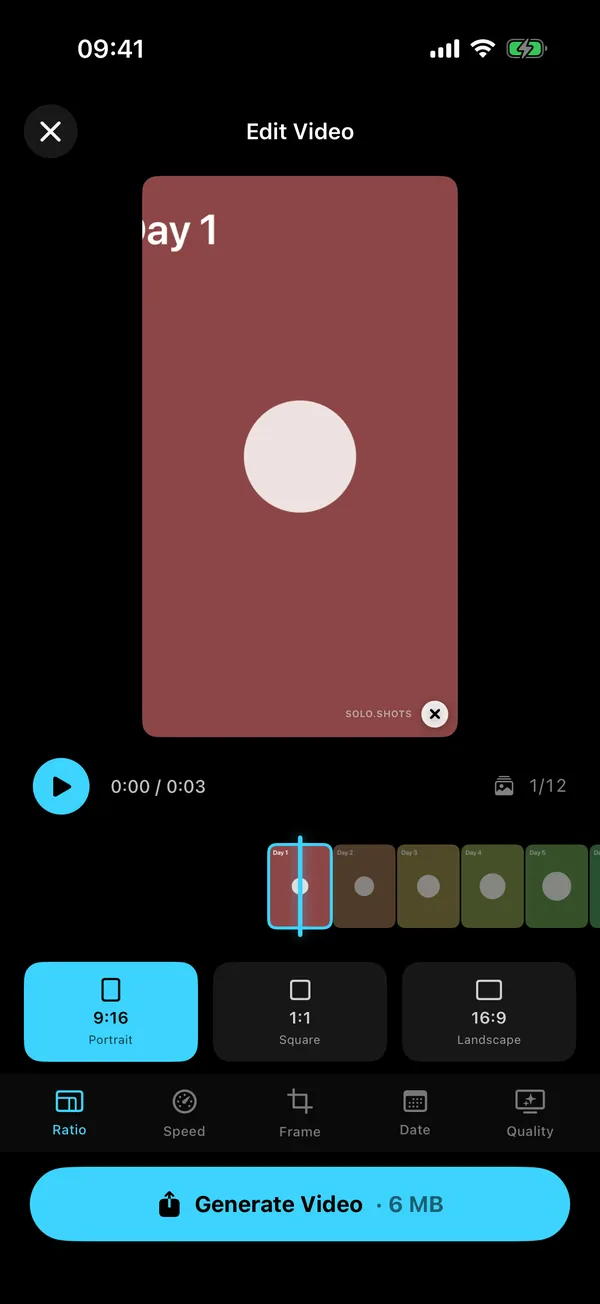
Open the project, tap play, choose the format, speed and stamp, and generate. Thirty photos at the default 0.25 seconds each make a 7.5-second video; at 0.5 seconds, 15 seconds.
- Stamp: "Day" counts days since your first photo, so Day 1 is 1 November if you started on time.
- Format: 9:16 for Reels, TikTok and Shorts; 1:1 for your feed; 16:9 for YouTube.
- Quality: free exports are 1080p after a short ad, with a small watermark (4K once, unlocked by a short ad). Premium exports 4K every time with no ads, and you can switch the watermark off.
What should I post during the month?
Little and often: a quick update each week and the full timelapse at the end.
| When | Post |
|---|---|
| Day 1 | The clean-shaven "before", with your fundraising link if you have one. |
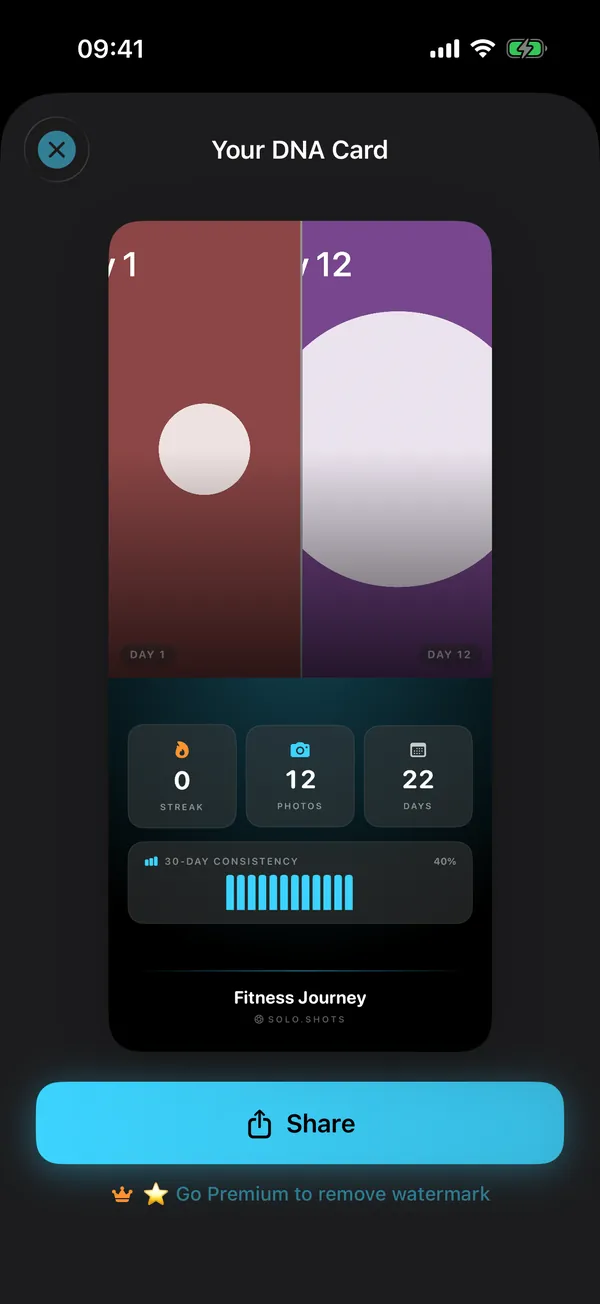
| Days 7, 14, 21 | A DNA Card: Day 1 next to today, your streak and 30-day consistency. |
| Day 30 | The timelapse, in 9:16 for Stories and Reels. |
| Wrap-up | A Day 1 vs Day 30 carousel. DUMP makes Instagram carousels and photo dumps from your best shots. |
Want to keep posting after November? The weekly posting system for creators shows how to batch it.
What happens after November?
- Keeping it? Switch the project to weekly and keep the same spot. A year of beard is a great timelapse.
- Shaving it off? Take an "after" photo first. It's the best last frame.
- Tracking hair growth or a hair treatment instead? Take monthly photos of the same areas in the same light, and ask your doctor how to judge the treatment itself. Solo.Shots keeps the angle consistent and dates the frames; it doesn't measure hair or diagnose anything.
FAQ
Can I track just a moustache?
Yes, and for Movember that's the point. Use the face guide, keep the camera at eye level and fill the same part of the frame every day so the moustache is easy to see.
Should I use the front or the back camera?
The front camera lets you see yourself line up with the Day 1 ghost; the back camera gives a sharper photo. Pick one on Day 1 and keep it for the whole month.
What if I miss a day?
Take today's photo and keep going. The video simply skips that day. Because the Day stamp counts days since your first photo, a gap shows as a jump (Day 12, then Day 14), which keeps the timeline honest.
Is Solo.Shots part of Movember?
No. Solo.Shots is an independent app and isn't affiliated with or endorsed by Movember. If you're fundraising, sign up and donate through Movember's own website.
Is a 30-day project free in Solo.Shots?
Yes. The free version covers a project of up to 100 photos, with ads and a small watermark on exports; video exports in 1080p after a short ad, and 4K once (a short ad unlocks it). Premium removes the ads and lets you switch the watermark off.
Sources
- Movember: FAQ (rules, ways to take part) (checked 15 Oct 2026)
 Solo.Swipe
 DUMP
 Solora
 ATHA