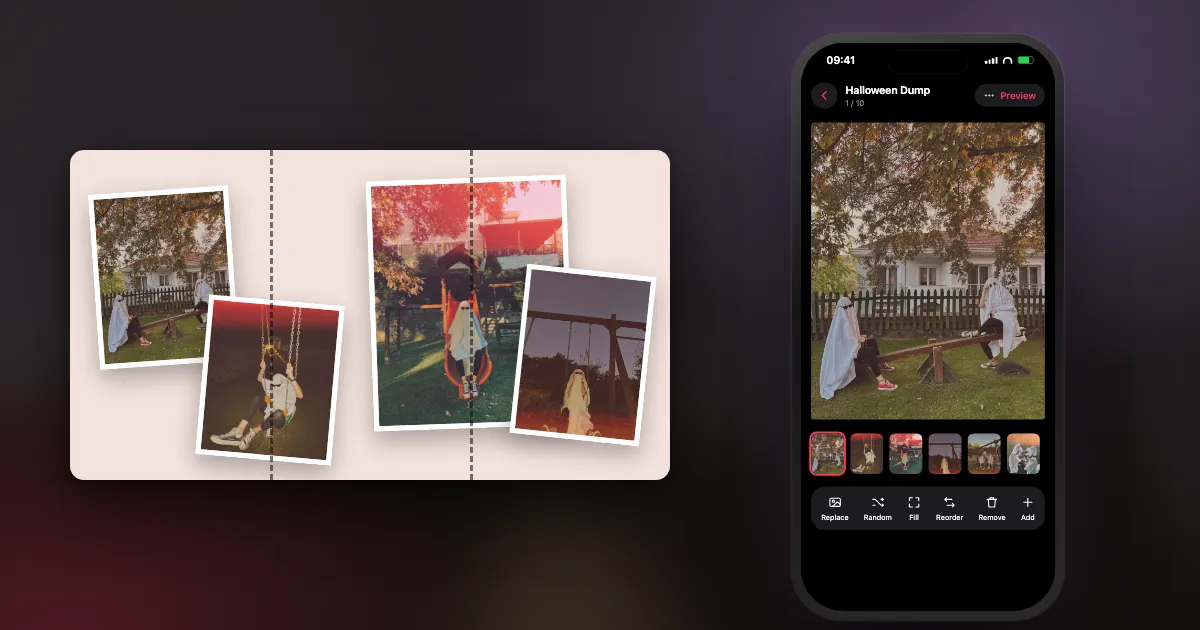
Looking for clip art to print? This page isn't that. It is for pictures you take yourself, which is also what gets replies on Instagram.
What are good ghost picture ideas?
Put a sheet ghost somewhere mundane and let them behave normally. It is the cheapest, most reliable Halloween picture there is.
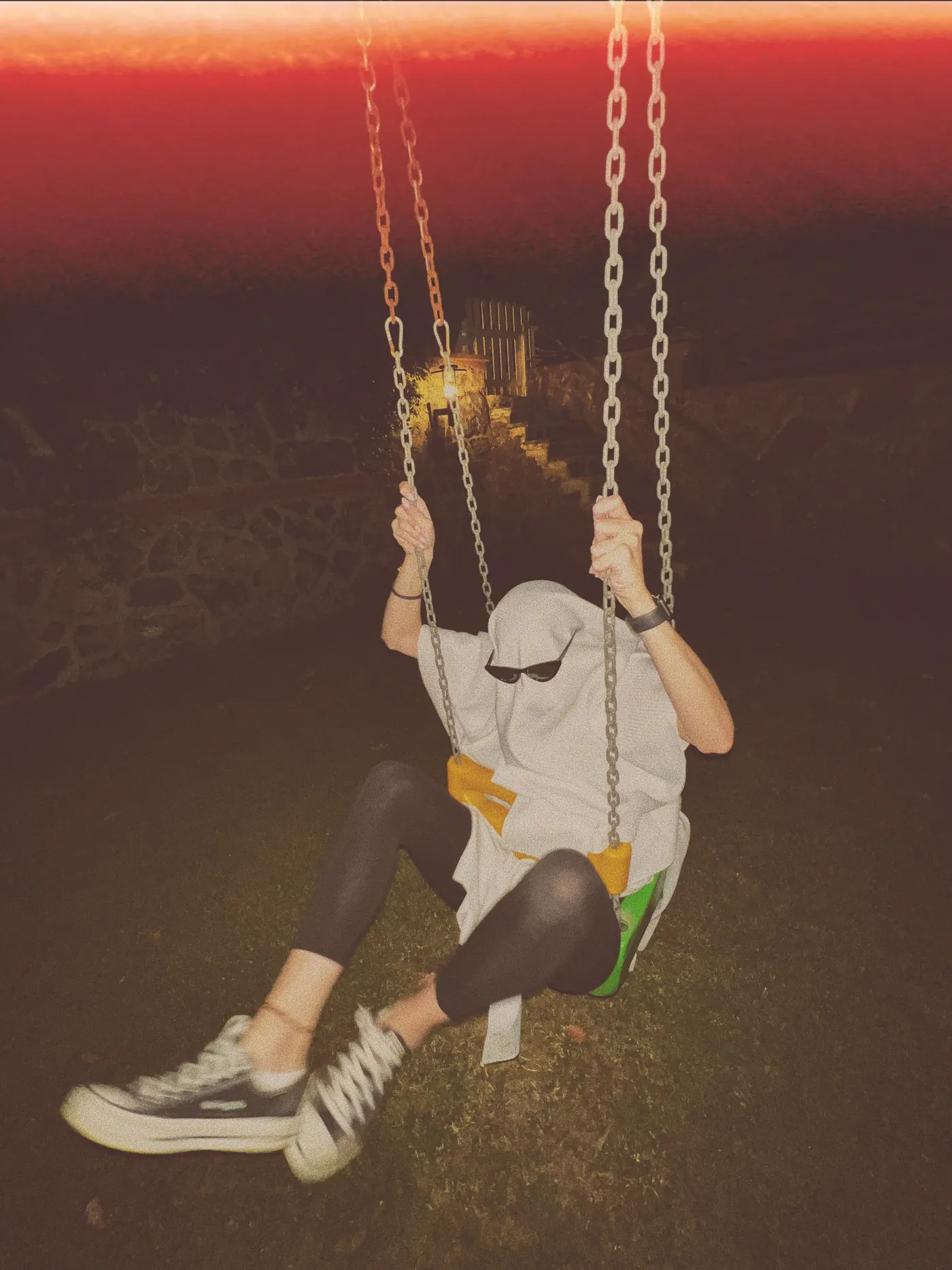
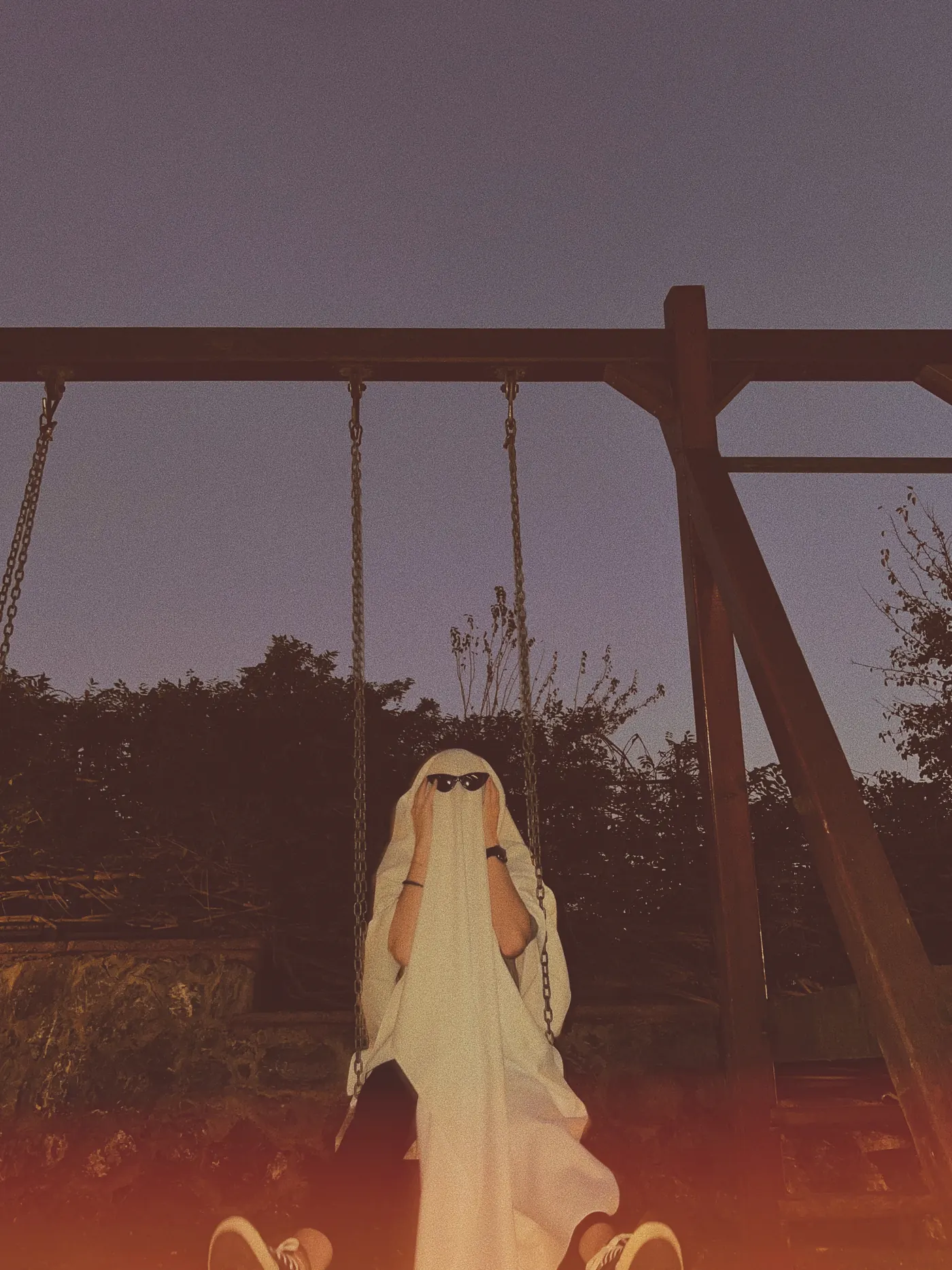
- Ghost on a swing. Shoot low, at dusk.
- Ghost at the supermarket. One bedsheet, one trolley, total calm.
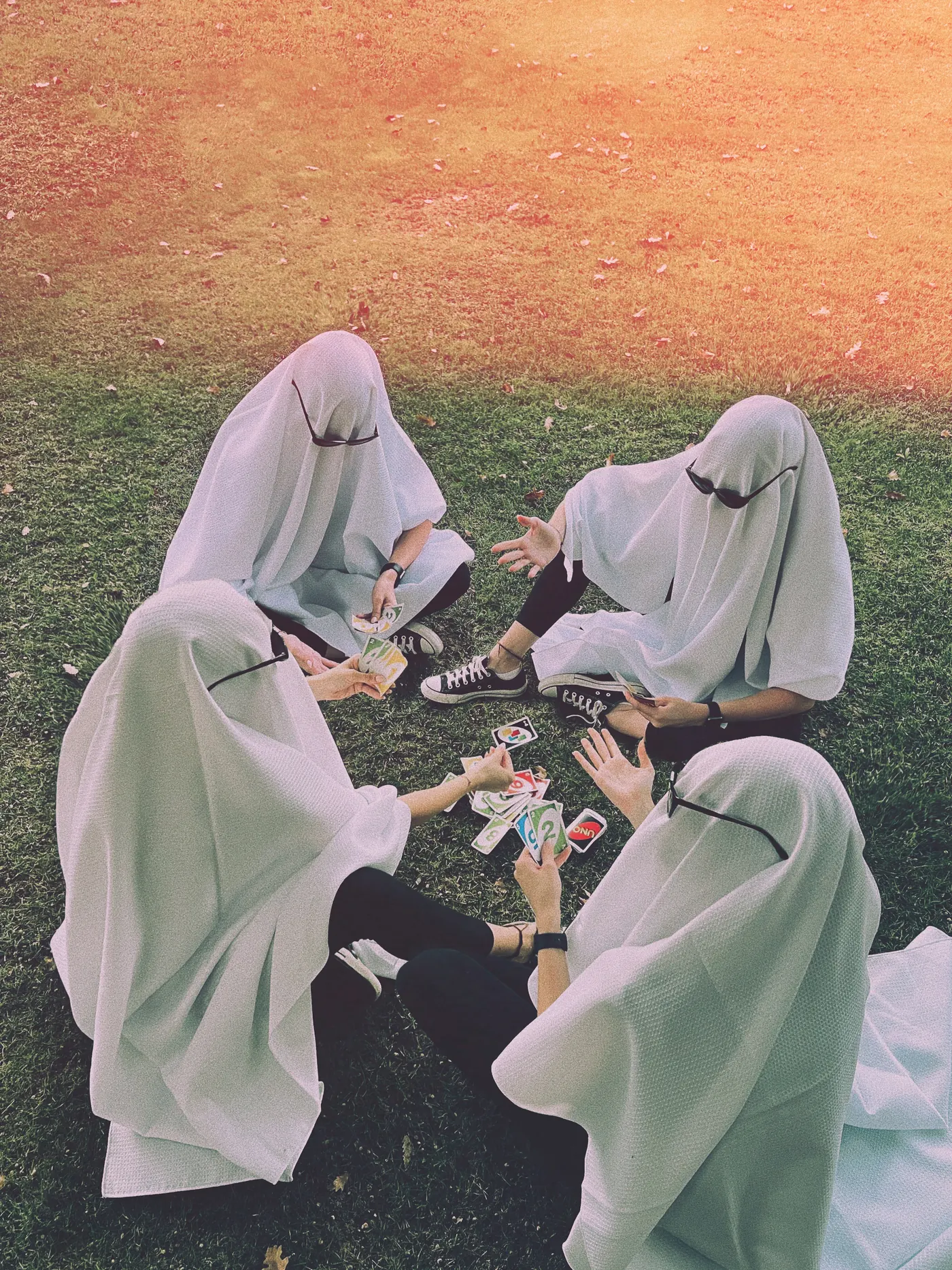
- Ghost card game. A circle of ghosts on the grass, from above.
- Ghost waiting for a bus. Bonus for reading a newspaper.
- Ghost with a latte. Sunglasses on, at an outdoor table.
There is a whole guide to this one: how to do a ghost photoshoot, with how to make the costume as its companion.
What are good Halloween pictures for couples and friends?
Match your costumes, then shoot them doing something dull. Costumes are funny in contrast with real life.
- Vampire couple at breakfast. Toast, newspaper, fangs.
- Matching ghosts holding hands. From behind, walking away down a path.
- The group in size order. Tallest to shortest, deadly serious.
- Getting ready. Half-finished makeup in the mirror. This is often the best slide of the night.
- The morning after. A costume on the sofa with a coffee and regret.
What are good Halloween pictures of kids and pets?
Give children something to do rather than asking them to pose, and take photos at their eye level. For pets, keep it short and stop if they are unhappy.
- Sorting the sweets. Shot from above, with the whole haul on the floor.
- Same porch, every year. One photo per year. It becomes a treasure after five.
- Walking away with a bucket. Small back, big street.
- Dog in a tiny ghost sheet. Use a small cloth with big eye holes and don't cover their nose. A few frames, then it comes off.
- Black cat in a window. Backlit at dusk, it needs no costume at all.
What are good pumpkin and detail shots?
Details are what make a Halloween dump feel full. They also give you something to shoot when nobody is in costume.
- Lit pumpkin at dusk. Shoot just after sunset, when there is still blue in the sky.
- Carving mess. Hands, seeds and a spoon, from above.
- A row of pumpkins on steps. Get low, focus on the nearest one.
- Makeup close-up. One eye, in window light.
- The sneakers under the costume. Great as a final slide.
What are good spooky, moody Halloween pictures?
To make a phone photo scary, remove light. Use one light source, keep the background dark, and don't show everything.
- Shadow on the wall. Put a lamp low, and make a claw with your hand.
- Torch under the chin. The oldest trick there is, and it still works.
- A figure at the end of the hall. Far away, in near-darkness.
- Blurred movement. Live Photo set to Long Exposure on iPhone turns a walking person into a smear.
- Foggy window. Breathe on the glass, then shoot through the handprint.
How do you take Halloween pictures at night?
Start at dusk, not full darkness. Then hold the phone steady, use one light source, and choose between Night mode for atmosphere and flash for a party look.
- Go at blue hour. The 20 to 30 minutes after sunset have enough light to keep your phone sharp, with a colourful sky behind.
- Prop the phone. Night mode needs a few still seconds. Rest it on a wall, and use a timer.
- Use flash on purpose. It looks harsh, which suits costumes, party shots and a disposable-camera mood.
- Add one light. A phone torch, a lamp or candlelight from the side makes more mood than the room lights.
- Lower the exposure. Tap the subject and drag down, so dark stays dark. Phones like to brighten everything.
How do you make a Halloween photo dump?
Pick 8 to 12 photos from the night: costume first, then getting ready, the party, details and one messy morning-after closer. Post within a day or two, while people are still looking.
| Slide | What goes there |
|---|---|
| 1 | The best costume photo, the one that stops the scroll |
| 2–3 | Getting ready: makeup, mirror, half a costume |
| 4–6 | The group, the party, the pumpkin |
| 7–8 | Details: sweets, sneakers, the mess |
| 9–10 | A candid, a blurry dance floor shot |
| Last | The morning after, or the worst photo of the night |
For a caption, take one from the 100 Halloween captions page. Picking photos is its own skill too, so see how to pick photos for a photo dump.
Frequently asked questions
What are good Halloween pictures to take?
A bedsheet ghost in an ordinary place, a pumpkin lit at dusk, a shadow on the wall, a costume in a supermarket, and a getting-ready mirror shot. All of them work on a phone.
How do you take spooky pictures with your phone?
Remove light. Use one source from the side or below, keep the background dark, lower the exposure and show only part of the subject.
How do you take good Halloween photos at night?
Start at dusk, prop the phone so Night mode can work, and use one light source. Use flash when you want a party or disposable-camera look.
What is a Halloween photo dump?
A casual Instagram carousel of photos from Halloween: costumes, getting ready, the party, details and a funny last slide. 8 to 12 photos is usually about right.
Turn Halloween into one good post
DUMP picks your best shots from the night on your iPhone, lets you reorder them, and saves your originals to a new Photos album in order. Free on iPhone and iPad, no account.
 On a computer?Scan with your iPhone camera
Free · iPhone & iPad · iOS 18.6+ · No account · Works offline

Number 2 is the one I most want to see someone do. If you try it, tag me.
Indie iOS developer, and the maker of DUMP. Say hello on Instagram or at solostaseraofficial@gmail.com.
Sources
- The ideas are my own. Photos are by @solo.stasera.
- Apple iPhone User Guide: Night mode and Live Photo effects, including Long Exposure.
- DUMP facts were checked against the source code of DUMP 3.0.1, the version on the App Store on 1 Nov 2026.