
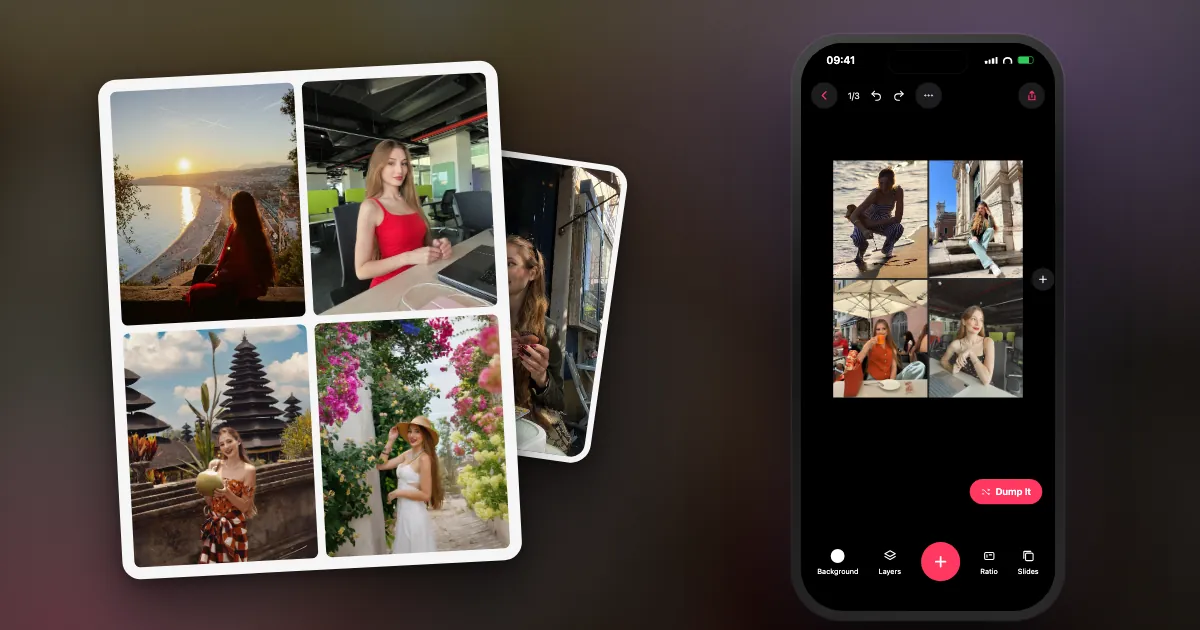
Every December, the same thought: "I should do a 2026 recap." Then you open Photos, see twelve months of everything, and close it again.
A year-in-review dump doesn't need you to scroll the whole year. It needs a formula, a few shortcuts to find the good stuff fast, and a deadline. Here are all three.
What is a year in review photo dump?
A year-in-review dump is one carousel that tells your whole year: roughly a photo per month plus your biggest moments, in time order, posted in late December or the first days of January.
It works because it's both a post and a keepsake. Even if you never post it, a 19-photo album of your year is something you'll open again.
What is the best formula for a year in review carousel?
Use 12 + 5: one photo for each month, plus your five biggest moments, with your best photo of the year as the cover and a quiet closing shot. That's 19 slides, inside Instagram's 20-slide limit.
| Slides | What goes there | Tip |
|---|---|---|
| 1 | Cover: the photo of the year | The one you'd frame. Sharp, close, unmistakably you. |
| 2 to 13 | One photo per month, January to December | Pick the photo that feels like the month, not the "best" one. |
| 14 to 18 | Five big moments | Trips, milestones, people. Slot them in by date if you prefer. |
| 19 | The closer | A calm last shot: a window, a walk, New Year's Eve lights. |
Prefer fewer slides? A "best of" with 10 slides (cover, eight moments, closer) is just as good. Instagram's maximum is 20 per carousel (TechCrunch, 8 Aug 2024).
How do you find a year's best photos fast?
Don't scroll 12 months in one sitting. Work month by month, use your Favorites as a shortlist, and let an app pull a first draft so you're editing instead of searching.
- Start from Favorites. Anything you hearted this year is already a shortlist. Spend ten minutes hearting a few more, month by month.
- One month at a time. In Apple Photos' Library, jump to each month and pick one photo that sums it up. Twelve small decisions instead of one huge one.
- Note the five big moments. Write them down before you look; then go find the photos.
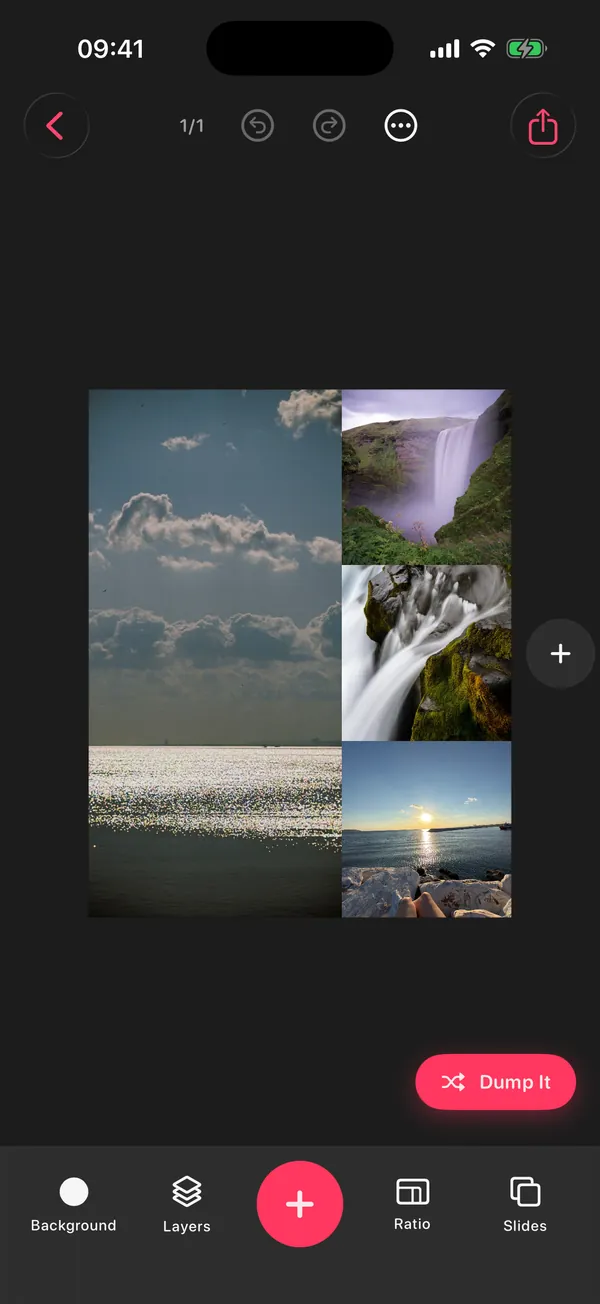
- Let DUMP draft it. In DUMP: New Dump → Random Dump, choose Favorites as the source, set How many, then Order: Smart Dump → This year.
How DUMP's "This year" draft works, honestly: Smart Dump looks at up to 180 photos spread evenly across the year from the source you picked, drops blurry shots and burst repeats, mixes people, places and details, and keeps the result in date order, all on your iPhone. With Favorites as the source, those 180 come from your own shortlist, which makes the draft far better. Then drag your cover to the front and swap in any must-haves.
Smart Dump · From which moment
Do it before 1 January. "This year" means the current calendar year, so from New Year's Day it switches to 2027. Running late? Put your 2026 favorites in an album in Apple Photos and pick that album as the source with the Anytime moment.
Can you make it easier for next year?
Yes: make a small dump on the 1st of every month from "Last month". By December you have twelve ready albums, and the year-in-review takes minutes.
In DUMP that's Smart Dump → Last month, once a month. Each one saves as its own album in Photos, so next December you pick one photo from each album and you're done. If you like a weekly rhythm better, the Sunday Dump routine builds the same archive week by week.
One thing to know: the free plan keeps 3 projects at a time. Saved albums stay in Photos when you delete an old project in DUMP, so the monthly habit works for free if you clear old projects; Premium removes the limit.
Carousel or Reel for a year in review?
A carousel lets people linger on each month and holds up to 20 photos and videos. A Reel is better for a fast, music-driven recap. You can post both from the same picks.
| Carousel | Reel | |
|---|---|---|
| Best for | Lingering, captions per moment, saves | Energy, music, quick replays |
| Length | Up to 20 slides | A short video |
| Effort | Pick and order | Pick, order, add music |
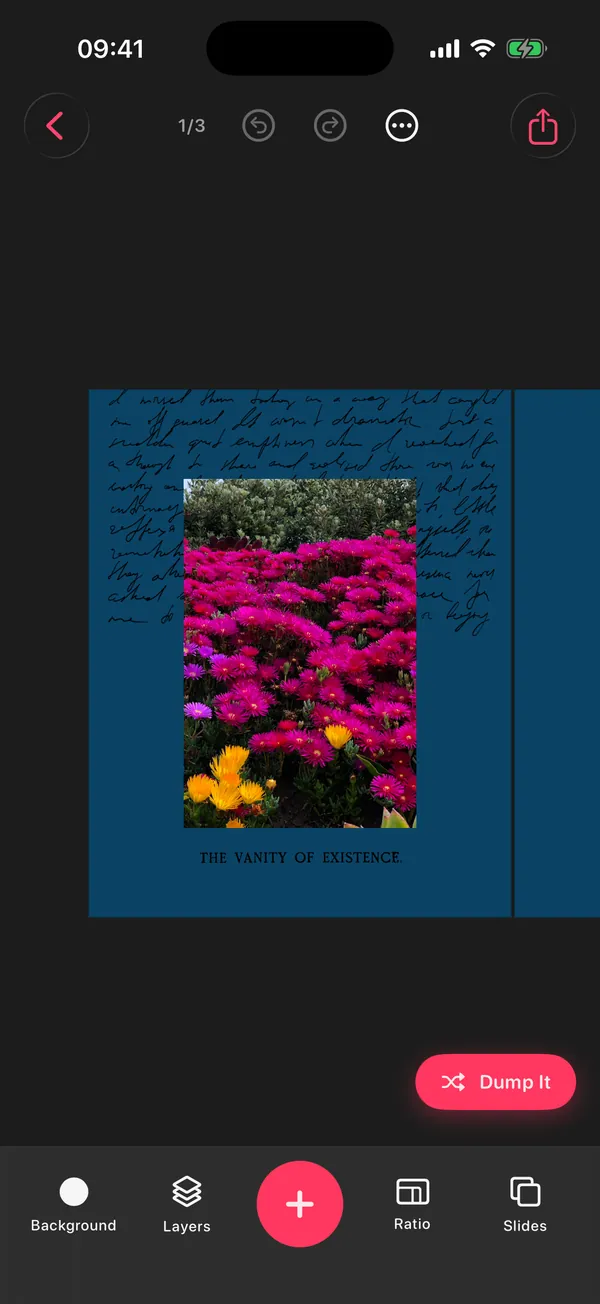
| In DUMP | Swipe Carousel or collage pages, saved in order (free) | Swipe video export, 10 to 30 s, 1080 px wide (Premium) |
What should you write in a year in review caption?
One line that names the year's feeling, not a list of events. Save the details for the slides.
- 2026, you were a lot (in a good way)
- twelve months, one camera roll
- the year I said yes more
- 2026 in no particular order (it's in order, don't tell anyone)
- things I'd do again: all of it
- chapter 2026, closed
More lines for the countdown and the first dump of the year: 80 New Year photo dump captions, including goodbye 2026 and hello 2027. For December itself, see the Christmas captions and Christmas photo dump ideas.
Does DUMP have a dedicated Year in review?
Yes. Memories, on DUMP's Home screen, includes a dedicated Year in review and a monthly recap, alongside On This Day. Smart Dump's "This year" and "Last month" moments still work if you'd rather pick the source yourself.
With reminders on, a recap notification arrives on the 1st of each month with last month's best shots, and in December with your year. It all runs on your iPhone, with no upload.
Frequently asked questions
How many photos should a year in review dump have?
Up to 20, which is Instagram's carousel limit. The 12 + 5 formula (a photo per month, five big moments, a cover and a closer) gives you 19. A 10-slide best-of works well too.
When should I post my year in review?
Late December or the first days of January, when everyone is looking back. If you use DUMP's This year moment, make your draft before 1 January, because after that This year means the new year.
Should a year in review be in chronological order?
Yes, January to December reads naturally. The only exception is the cover: lead with your photo of the year, wherever it happened.
Can DUMP make a year in review automatically?
It makes a first draft. Choose Smart Dump and the This year moment; it looks at up to 180 photos spread across the year on your iPhone and picks sharp, varied shots in date order. Use Favorites as the source for the best result, then adjust the cover and must-haves.
Is it free?
Yes. DUMP is free to download. On the free plan Smart Dump drafts up to 10 items at a time; optional Premium (weekly or yearly plan, price on the App Store) drafts up to 20 in one go.
Draft your 2026 before the year ends
Pick your Favorites and This year, and DUMP builds a first draft of your year on your iPhone: sharpest shots, varied, in date order, saved to a new Photos album. Free on iPhone and iPad.
 On a computer?Scan with your iPhone camera
Free · iPhone & iPad · iOS 18.6+ · No account · Works offline
Sources
- TechCrunch, 8 Aug 2024: Instagram carousels hold up to 20 photos and videos.
- Smart Dump behaviour ("This year" sampling of up to 180 photos, date order) and Memories (Year in review, monthly recap) were checked against the source code of DUMP 3.0.1, the version on the App Store on 1 Nov 2026.