
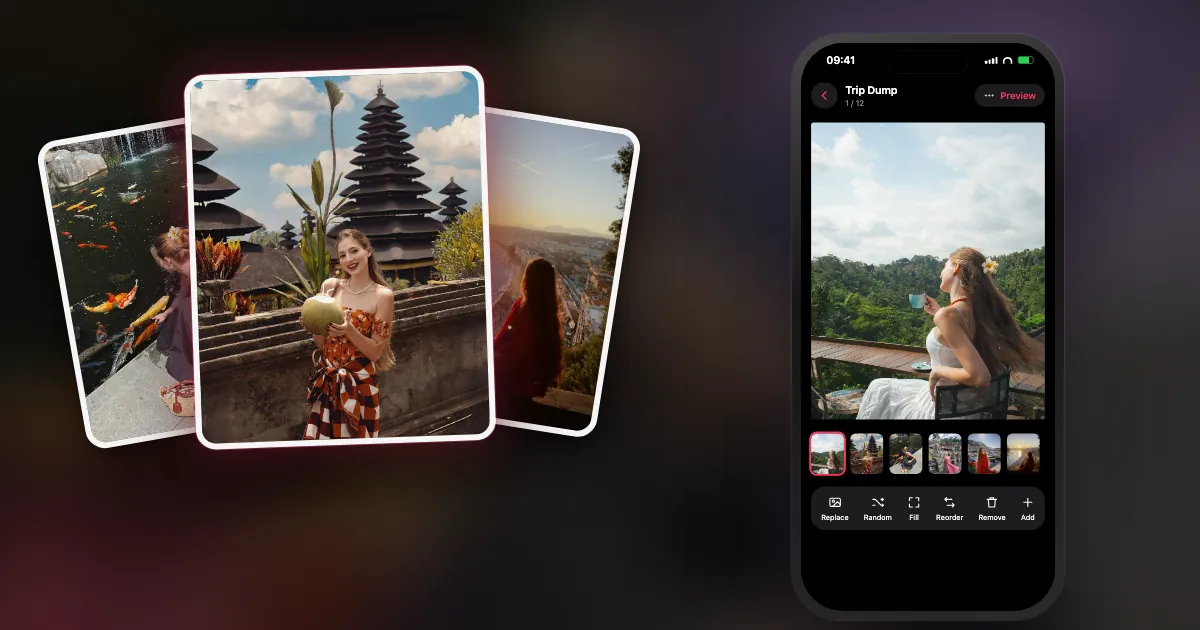
You came home with 600 photos, a sunburn and good intentions. Two weeks later the trip is still sitting in your camera roll, unposted, slowly turning into "I'll do it this weekend".
A travel dump is the easiest way to finally share a trip without making it a project. This guide gives you a 10-slide formula, the order that reads best, and the shortcut: an app that finds the trip in your photos for you.
What makes a good travel photo dump?
A good travel dump feels like being there for ten seconds: one iconic place, then the small things (food, streets, people, a funny moment) in the order they happened, ending on a quiet last night. Variety beats volume.
The trap is posting ten versions of the view. Views are the least personal photos you took. The dump comes alive in the details only you saw: the breakfast table, the wrong bus, the sunburnt friend, the hotel key.
What is the 10-slide travel photo dump formula?
Cover with the most iconic place, then arrival, food, people, a street detail, a short video, the best view, something funny, a quiet detail, and a "last night" ending.
| Slide | Role | Ideas |
|---|---|---|
| 1 | The postcard (cover) | The one place everyone recognises, with you in it if you like |
| 2 | Arrival | Airport window, train platform, first coffee |
| 3 | Food | The meal you still talk about |
| 4 | Your people | Candid, mid-laugh, not posed |
| 5 | A street detail | Tiles, a sign in another language, a door |
| 6 | Motion | Three seconds of waves, a tram, a market |
| 7 | The best view | Sunset, skyline, the hike summit |
| 8 | The funny one | The wrong turn, the tiny car, the rain |
| 9 | A quiet detail | Shells, tickets, the hotel key |
| 10 | Last night | The final dinner, the packed suitcase, the view from the plane |
Ten slides is a starting point. A long trip can go to Instagram's limit of 20; a weekend away might need only six.
What order should travel photos go in?
Keep date order, from arrival to the last night, and move only your cover to the front. People follow a trip the way it happened; jumping around makes it feel like a random album.
If two places blur together, use a "chapter" photo (a sign, a map, a station name) as the first slide of each new place. It works like a title card without any text editing.
Should you post one travel dump or one per city?
One dump for trips of about a week or one or two places. For longer trips or three or more cities, post one dump per city (or "part 1, part 2"), each with its own cover.
- One dump keeps the whole story in one swipe and is easier to make.
- One per city gives every place its own cover and stops the best moments getting buried at slide 17.
- Either way, stay within 20 slides per post; that's Instagram's carousel limit.
How can DUMP find your trip automatically?
DUMP's Smart Dump spots trips by itself. It reads the location already stored in your photos, works out where you usually are, and offers any run of two or more days at least 75 km away as a "Trip · dates" moment. All of this happens on your iPhone.
Smart Dump · From which moment
- Start a Random Dump. On the Home screen tap New Dump, then Random Dump, and choose your whole library (or Favorites, if you hearted the best ones on the trip).
- Choose Smart Dump and your trip. In Order, pick Smart Dump, then the Trip chip with your dates. DUMP shows up to three recent trips.
- Let it pick. It skips blurry shots and burst repeats, mixes people, places and details, keeps about a quarter video, and keeps everything in date order.
- Fix the cover and save. Drag your postcard shot to slot one, swap anything you miss, and save. Your dump lands in a new Photos album, in order.
The honest small print:
- It needs location in your photos. If Location Services is off for the Camera app, your photos have no location and DUMP can't detect trips. Use the This month moment or an album instead.
- "Home" is a guess. It's the area (roughly 11 km across) where most of your photo days in that source were taken. If most of them were somewhere else (say, a semester abroad), that place becomes "home"; then pick the trip's album as the source instead.
- Nothing leaves your phone. DUMP never asks for your current location; it only reads what is already in your photos, on the device.
How do you make a travel dump look like a travel journal?
Use one consistent finish across every slide: film or Polaroid frames, a film-camera date stamp, and one seamless panorama for the big view. Consistency is what makes it look designed.
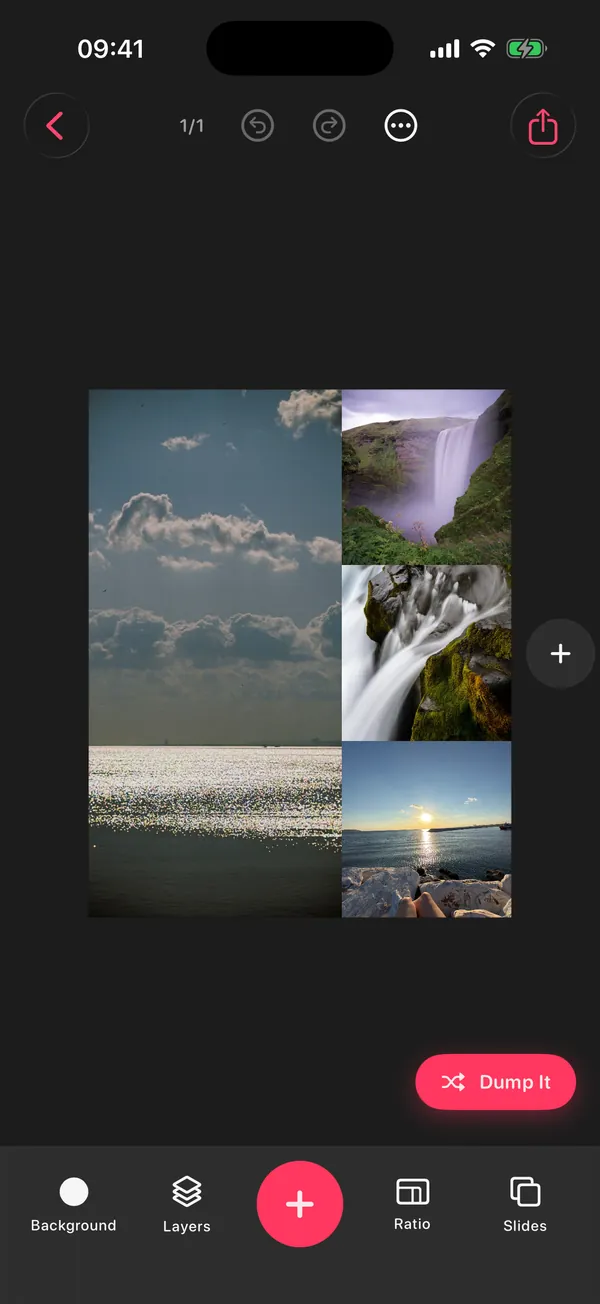
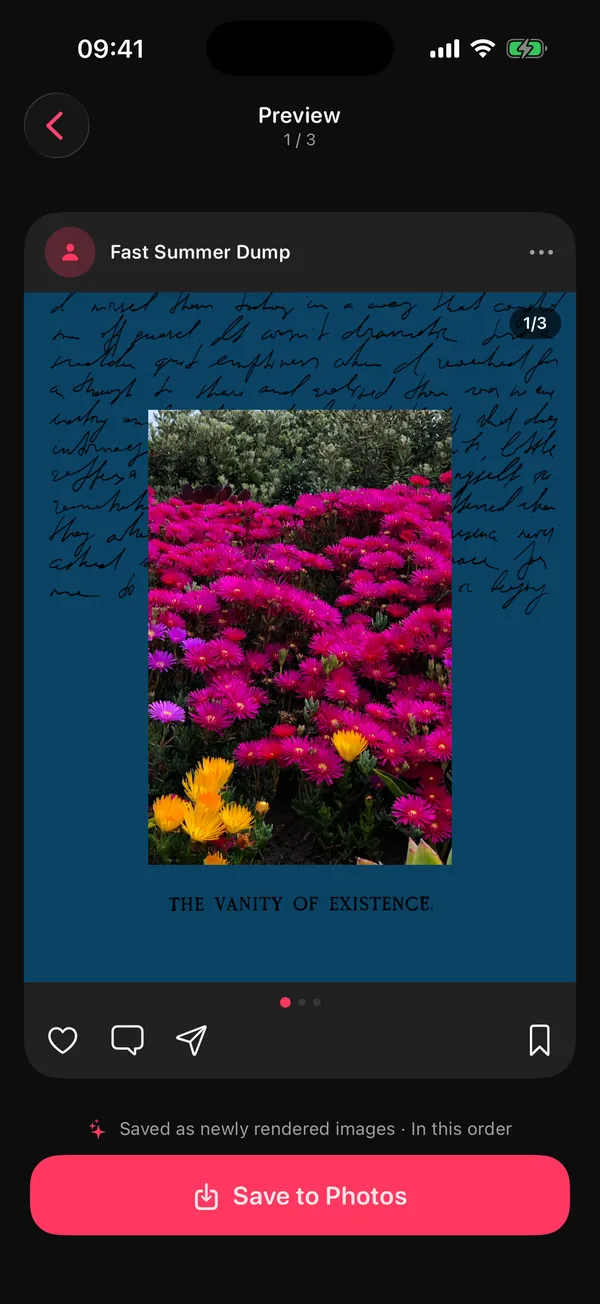
- Frames: Polaroids, film and paper frames turn a plain photo into a keepsake. Some frames are Premium.
- Date stamp: prints each photo's own capture date in a corner, like an old film camera. Stamped photos are re-rendered as a high-quality JPEG.
- Seamless panorama: stretch a skyline across two or three slides so it swipes as one image. Our seamless carousel guide covers the slicing.
- Grids: put four small food photos on one slide instead of four slides.
Should you remove location before sharing travel photos?
If you send original photo files to people, they may be able to see where each one was taken. Apple's iPhone share sheet lets you turn that off: tap Options and switch off Location before you share.
That's Apple's own advice (Apple: Manage location metadata in Photos). It matters most when you share originals directly, for example sending the whole album to family. Many people also wait until they're home to post a trip, so they're not broadcasting where they are right now.
Trip detection in DUMP reads this location data only on your iPhone. It doesn't upload it, and it doesn't need your current location at all.
What are good travel photo dump captions?
Short and specific: the place plus a feeling, or a tiny inside joke. Leave the itinerary out.
- [city], you were a lot
- a week of [food] and no alarms
- postcards I never sent
- sunburnt and grateful
- passport full, camera roll fuller (one of the Travel lines in DUMP's Premium Caption Generator)
- [trip name], part 1 of 2
Can you make a travel dump without Wi-Fi or data?
Yes. DUMP needs no internet connection to pick, design or save a dump, so you can make it on the flight home. The one exception: if your iPhone keeps originals in iCloud ("Optimize iPhone Storage"), some full-size files may need to download before they can be saved.
Ready to post? How to post a photo dump on Instagram has the exact steps, and the carousel size guide explains why slide one decides the crop for the whole trip.
Frequently asked questions
How many photos should a travel photo dump have?
Ten is a good default; up to 20 for a long trip, since that's Instagram's carousel limit. For three or more cities, one dump per city usually works better than one giant post.
When should I post my travel dump?
Many people post once they're home, which also keeps their live location private. A dump made within a week or two still feels fresh.
Can DUMP detect a trip if my photos have no location?
No. Trip detection needs the location stored in your photos. Without it, use Smart Dump with the This month moment, or put the trip photos in an album and pick that album as the source.
Does trip detection upload my location?
No. DUMP reads the location already stored in your photos, on your iPhone, and never sends it anywhere. It never requests your device's current location. Its App Store privacy label is "Data Not Collected".
How do I share the trip with family who aren't on Instagram?
Save the dump to Photos (DUMP creates a new album in order), then share the album or the photos from Apple Photos. Turn off Location in the share sheet's Options if you don't want to include where each photo was taken.
Your trip, picked and in order
DUMP finds the trip in your photos, picks the sharpest, most varied shots on your iPhone and saves the dump to a new Photos album. Free on iPhone and iPad, no account, works offline.
 On a computer?Scan with your iPhone camera
Free · iPhone & iPad · iOS 18.6+ · No account · Works offline
Sources
- Apple: Manage location metadata in Photos: how Camera stores location, who can see it when you share, and the share-sheet Location option.
- TechCrunch, 8 Aug 2024: Instagram carousels hold up to 20 photos and videos.
- Trip detection rules (two or more days, at least 75 km from home, up to three trips) were checked against the source code of DUMP 3.0.1, the version on the App Store on 1 Nov 2026.