Journal · The flash look
Be your own paparazzi: why the 2000s flash photo is back, and how to shoot it alone
Hard flash, a background gone black, a glint off your sunglasses. The red-carpet photo never needed a red carpet. It just needed someone to fire the flash, and that someone can be your iPhone.
 By the SHOOTS Journal · edited by Gül Eda Aydemir7 min read
Some photos look like they happened to you. The flash went off a little too close, the room behind you dropped to black, your sunglasses caught a white star of light, and an orange date in the corner swears it was a Tuesday. Nobody art-directed it. Everybody wanted to be in it.
That's the early-2000s flash photo: the red-carpet arrival, the club exit, the pocket-digicam picture from a birthday that somehow looked more glamorous than the birthday. It keeps coming back, and it isn't hard to see why. After years of phone portraits smoothed into politeness, a hard flash feels like evidence. Loud, a little messy, unmistakably a night that happened.
Here's how to shoot it when the only one behind the camera is your propped-up iPhone. If you're new to solo shooting in general, the basics (where to prop the phone, how to frame, how to pick keepers) are in how to take good photos of yourself alone. This piece is about the flash.
The anatomy of a paparazzi photo
Before the settings, the ingredients. Get three of these five into a frame and the look takes care of itself.
- Hard, direct flash. One small light right next to the lens. A bright face, crisp shadow edges just behind you, a sheen on skin and an even bigger one on satin.
- A background that falls away. Flash light fades quickly with distance, so in a dim place you pop and the room behind you sinks into the dark.
- Glare. Sunglasses, sequins, patent leather, chunky metal jewelry, the glass in your hand. Anything shiny throws the flash back as a hot spot. That's the red-carpet sparkle.
- Caught mid-something. Mid-step, mid-laugh, mid-turn, hand halfway up. Paparazzi pictures look unposed because the person in them was busy doing something else.
- Grain and a date. Low light pushes the camera's sensitivity up, which adds texture, and the orange date stamp is the digicam's signature. More on that one below.
The setup: one phone, zero crew
- Wait for dark, or make it. Night outside, a hallway, a restaurant booth after the main lights go down, a bedroom with one lamp on. The darker the background, the harder the look hits.
- Prop the phone at chest height, back camera facing you. The back camera is where the iPhone's LED flash sits, and it's the sharper camera anyway. No tripod? A wall, a windowsill or a stack of books will do. Here are more places to prop your phone.
- Stay close. A phone flash is small. It owns the first few steps in front of the lens and fades after that, so stand about six to eight feet away for full length and closer for waist up. Too far and the flash disappears into the ambient light; too close and your face washes out.
- Flash On, not Auto. Auto decides for you and may skip the flash when there's a bit of light around. On fires for every frame. In SHOOTS it's the bolt at the top left of the viewfinder. (There's also Always On, which keeps the light lit like a torch for the whole shoot: handy for a + Video mode or for focusing in the dark, but it's a steady glow, not the pop.)
- Pick the Paparazzi shutter sound. In Settings → Feedback → Shutter click, choose Paparazzi: your click, plus photographers around you firing too. With the flash popping and a crowd of shutters going off, it's very hard not to perform. (In regions where the iPhone always plays its own click, that click plays instead.)
- Tap to focus on your spot, step in and let the countdown run. Or walk to your mark first and raise your palm to start (Photoshoot start → Hands-free start, free); in a dark room the palm needs a little light, so “Cheese” is the backup.
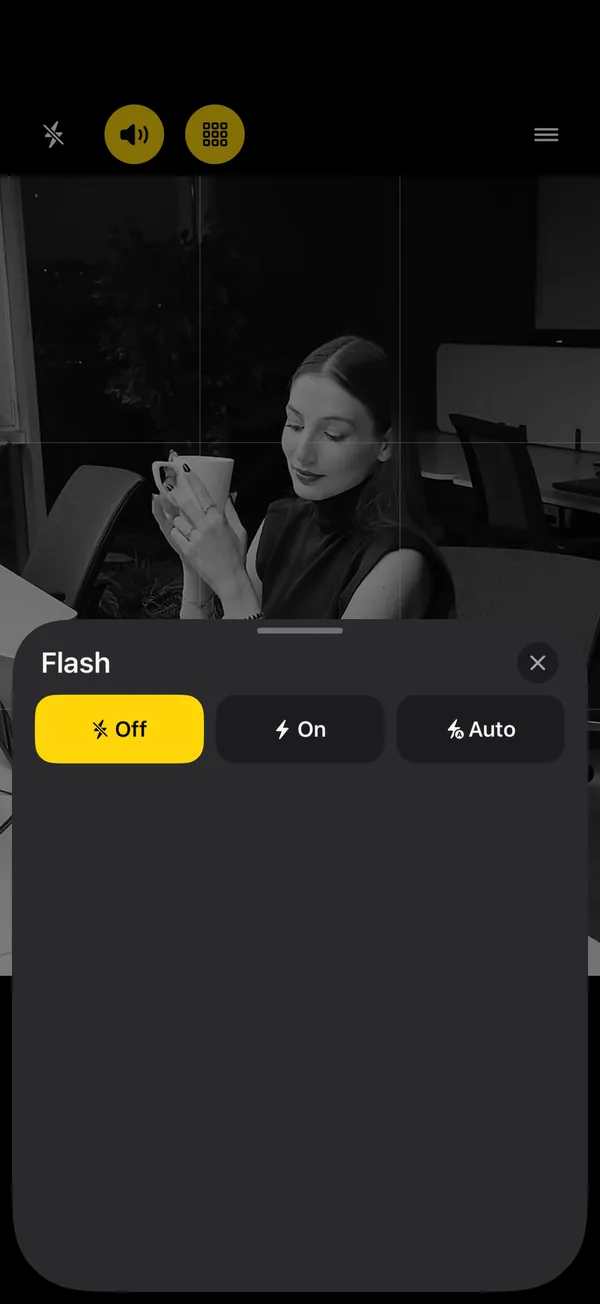
The settings
- Photoshoot start
- 10 s
- Timer mode
- every 1 s
- Photo limit
- 25 photos
- Flash
- On
- Shutter sound
- Paparazzi
- Countdown beeps
- On
- Aspect ratio
- 3:4
Why one second. Paparazzi pictures are about motion, and one frame a second catches every step, every turn of the head, every hand on its way up. Twenty-five photos is roughly twenty-five seconds of "arriving", which is longer than it sounds. It's also an easy pace for a phone flash, which is a tiny LED, not a studio strobe.
Why 3:4. It's the iPhone's full frame, and the upright shape of a classic point-and-shoot picture. Posting to stories? 9:16 works too; just leave room above your head.
Want it faster? With SHOOTS+ you also get burst intervals of about 42, 100 or 200 milliseconds, made for speed: a hair flip, a spin, a coat thrown over one shoulder. For the true flash look, start at 1 second and save bursts for the moments where movement matters more than the pop. Shoots longer than 25 photos are SHOOTS+ too. Everything in the card above is free. If you want to understand what every interval is good for, read interval shooting on iPhone.
Five places that do the work for you
- A doorway at night. The arrival shot. Step out, pause on the threshold, look just past the lens.
- A long hallway. Corridors give you depth that falls into darkness behind you, which is exactly what the flash wants.
- The dinner table after dark. Seated, glass in hand, a candle as your only other light. Shiny cutlery, more glare, more drama.
- Beside a car. Getting in, getting out, leaning on the door. Paint and windows bounce the flash straight back.
- A mirror behind you. The flash comes back as a big white starburst in the frame. That's its own very 2000s genre; shift a step sideways so the burst lands beside your head, not behind it.
Poses that sell the story
The trick is to act as if the camera isn't the point. You're on your way somewhere; the photographers just happened to be there.
- The arrival. Start a few steps back and walk slowly toward the phone. Look just past the lens, as if someone called your name.
- The hand-up. Palm half-raised toward the lens, chin down, mildly over it. Best with sunglasses at night, which is absurd and exactly right.
- The over-the-shoulder. Walk away from the phone and turn your head back on a beep. Hair in motion is a bonus.
- The mid-laugh. Laugh at nothing until it turns into a real laugh. Caught laughing reads as candid every time.
- The busy hands. Dig in your bag, fix an earring, pull your coat closed. Props tell the story: a takeout coffee, a shopping bag, a bouquet.
- The stare-down. One frame dead into the lens, no smile. Every set needs one.
For a dozen more, each with the interval that suits it, see 12 poses that work on a self-timer.
Your crew: a voice and a watch
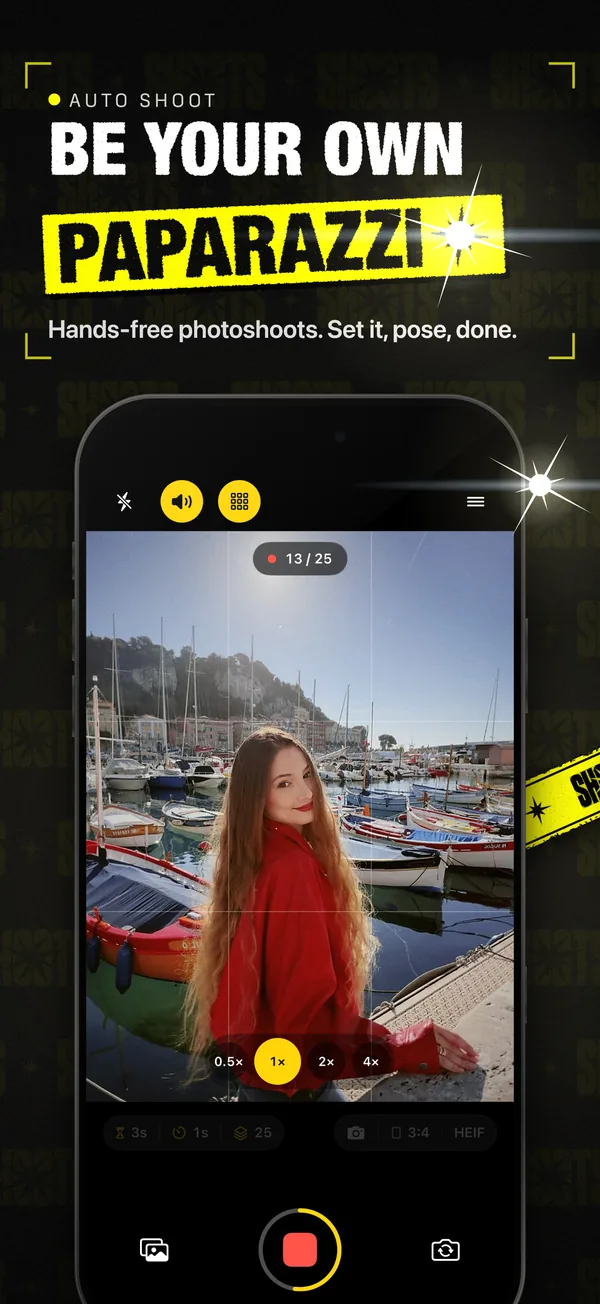
Real paparazzi shout. Your iPhone can, too. SHOOTS announces the shoot ("Here we go — the photoshoot is starting.") for free, and with SHOOTS+ Talk to me throws compliments at you while you pose, lines like "Okay, Hollywood, I see you!" and "Honestly? Iconic." Switch Coaching to Both and it also calls the next move between shots, "Look over your shoulder at me." or "Now walk toward me.", which is exactly what a photographer behind the rope would yell. It sounds ridiculous. It works, and there's a whole piece on why a hype voice loosens you up.
If you wear an Apple Watch, it's your remote: start, stop and resume the shoot, zoom with the Digital Crown and switch the flash from your wrist, so you can reset for take two without walking back to the phone. The live viewfinder on the Watch is SHOOTS+. No Watch? A friend's iPhone with SHOOTS can be the remote instead, which feels even more like having a crew. More in the Apple Watch camera remote guide.
About that date stamp
SHOOTS doesn't touch your photos: no filters, no retouching, no stamp burned into the corner. What the flash caught is what you get, which is rather the point of a flash photo. The orange date lives in the app itself, on the intro and the welcome screens, as a wink to the cameras that inspired it.
If you want the date on the picture, add it when you post. DUMP, our photo dump app, has film-style date stamps for its collage pages, and its Smart Dump picks the sharpest, most varied frames from a shoot, so you don't have to compare 25 near-twins by hand. Then let Solo.Swipe clear the rest out of your camera roll. The whole routine is in Shoot it, DUMP it, swipe the rest.
Shoot it like it happened to you. Post it like you meant it.
Questions people ask
How do I get the 2000s flash photo look on iPhone?
Why does my flash photo look washed out?
Do I need SHOOTS+ for the paparazzi look?
Gül Eda Aydemir is the independent iOS developer behind SHOOTS, DUMP and Solo.Swipe. She designs, builds and answers support for every app herself. Say hi at solostaseraofficial@gmail.com.
Prop up your iPhone, step into frame and let SHOOTS run the whole photoshoot.
Download on theApp Store
On a computer?Scan with your iPhone camera
Keep reading
Never run out of poses
Every photographer has a running script: chin down, turn, walk to me, laugh. Now your propped-up iPhone has one too.
SHOOTS Journal · 5 min read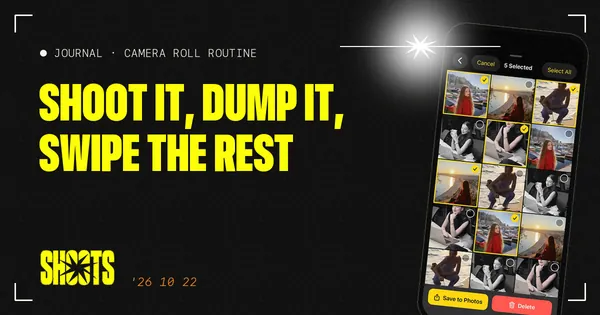
Shoot it, DUMP it, swipe the rest: my 3-app camera roll routine
Twenty-five photos in, one carousel out, and a camera roll that doesn't make me sigh. The whole routine, from shutter to post.
Gül Eda, xoxo · 5 min read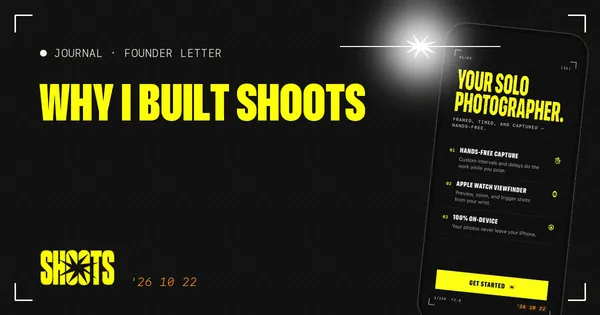
Why I built SHOOTS
Because nobody should have to choose between being in the photo and taking it.
Gül Eda, xoxo · 6 min read