Journal · Founder letter
Why I built SHOOTS
Because nobody should have to choose between being in the photo and taking it.
 By Gül Eda, xoxo6 min read
Hi, I'm Gül Eda, and I make SHOOTS. I'm an independent developer, which is a fancy way of saying that the person who designed the buttons, wrote the code and will answer your support email is the same person. Hi again.
This is the letter I'd want to read before downloading a camera app from someone I'd never heard of: what it's for, why it looks the way it does, and what it deliberately doesn't do.
The problem: someone has to hold the phone
You know the options. You can ask a stranger, who will hold your phone like it might bite, take one photo with your head cut off at the eyebrows and hand it back with a proud smile. You can ask a friend, once, maybe twice, before the patience runs out. You can do the selfie arm, which is lovely from exactly one angle. Or you can set the built-in timer, sprint, freeze, and get one take of the same frozen pose. Then do it again. And again.
The last time I asked a stranger to take my photo, I thanked them, looked at the result, and quietly propped my phone against a wall to try again myself. I'm pretty sure most of us have done some version of that.
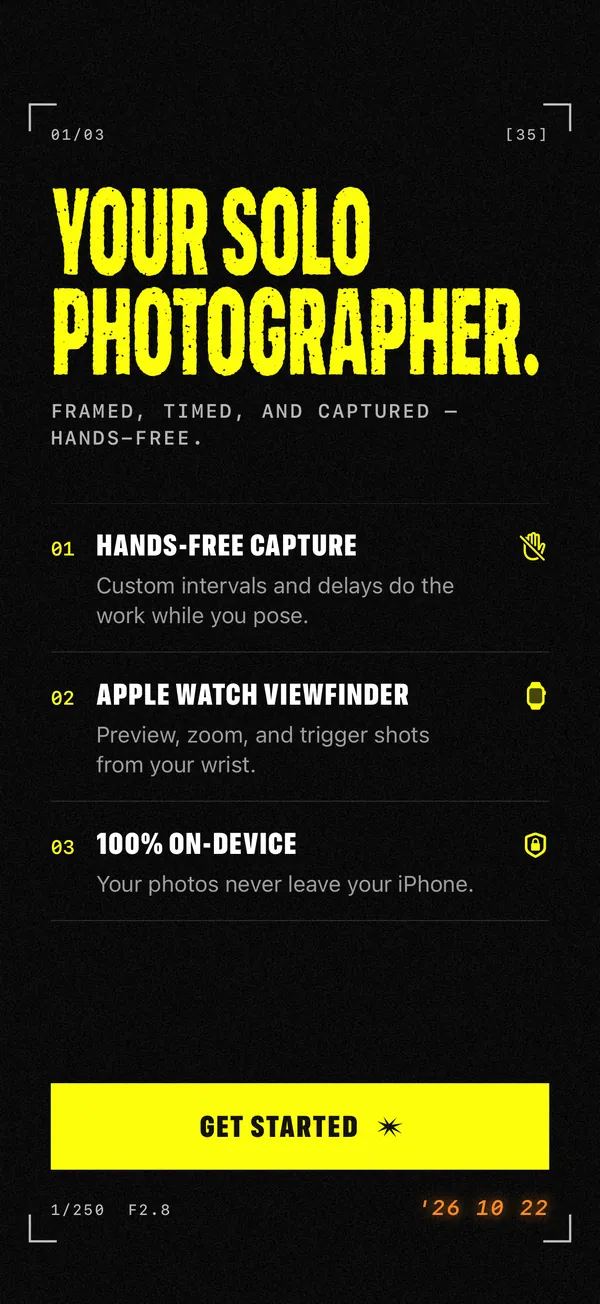
What I wanted was easy to say: a camera that just keeps shooting while I pose. Not one photo after ten seconds. A photographer that waits while I walk into place, then takes a photo every few seconds for as long as I tell it to, while I move, turn, laugh, fix my hair and try again. So I built it.
How it works, in one paragraph
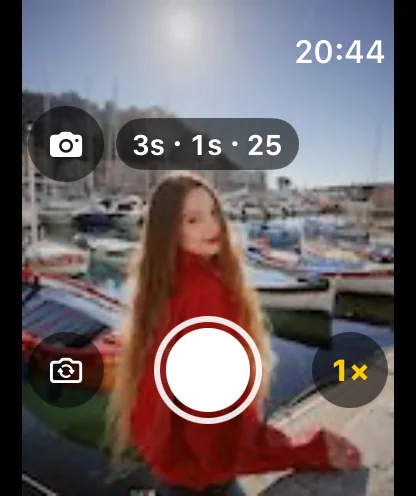
You set three things. Photoshoot start: how long until the first photo, from instant to 60 seconds. Timer mode: how often it shoots, from every half second to once an hour. Photo limit: how many, from 5 up to 25 in the free version, and up to 1,000 or Forever with SHOOTS+. Then you tap the shutter (or raise your palm, or say “Cheese”, from wherever you’re standing), step into frame and pose. The countdown beeps, and SHOOTS fires shot after shot while the screen counts "13 / 25". Every shoot lands in the gallery as its own album. That core loop is free, and so is every way of starting it hands-free. Extras like burst intervals, longer shoots, video modes, RAW, the live viewfinder and the Pose coach are part of SHOOTS+, an optional upgrade.
If you want the practical version with every setting explained, it's in how to take good photos of yourself alone.
Why it looks like a paparazzi flash
Being photographed alone is a little awkward. There's no one to react to, and you're aware of the lens in a way you never are when a friend is clowning behind it. I wanted the app to flip that feeling. Instead of "please hold still for the timer", it should feel like stepping onto a red carpet: flash-yellow on black, cameras going off, slightly too much. The early-2000s on-camera flash is the most fun version of being photographed I can think of, so that became the whole look.
When SHOOTS opens, the autofocus hunts, paparazzi flashes catch each letter of the name, and then the money shot prints the logo black on yellow with a star punched through the O's. There's a Paparazzi shutter sound too: your click, plus a crowd of photographers firing with you. Is any of that necessary? No. Is it my favorite part of the app? Possibly.
If you want to lean all the way into the look, read Be your own paparazzi.
Why there's a voice hyping you up
The best part of having a photographer isn't the button-pressing. It's someone saying "yes, that, do that again." Without it, solo shoots get stiff fast. So SHOOTS talks. For free, it tells you when the shoot starts and ends, and warns you if the battery, storage or heat need attention, which matters when you're ten steps from the phone. With SHOOTS+, it also cheers you on while you pose: "Okay, that one's going on the cover." "You've got main character energy!" "Honestly? Iconic."
Cheering is half of what a photographer does. The other half is directing, so with SHOOTS+ the voice can do that too: the Pose coach calls your next pose between shots ("Chin down, just a little." "Now walk toward me."), picked for whether the camera sees you close up or head to toe. You choose compliments, poses or both.
Yes, it's silly. That's the point. It's hard to keep a stiff face when your phone just called you Hollywood. More on that in A hype crew in your pocket and Never run out of poses.
Why the Apple Watch (and the palm)
The moment you prop a phone and walk away, you lose the screen. You can't stop the shoot without walking back, and you can't start take two from where you're standing. Your wrist fixes that. On Apple Watch, SHOOTS is a free remote: start, stop and resume, zoom with the Digital Crown, flip cameras, switch the flash. With SHOOTS+, the Watch also shows a live viewfinder, so you can frame the shot from where you'll stand. It all travels directly between your own iPhone and Watch; none of it goes through a server. The details are in the Apple Watch camera remote guide.
Not everyone has a Watch, though, and an Apple Watch only pairs with an iPhone. So there are other ways to reach the camera from your spot: a second iPhone or iPad can be the remote (with a bigger live picture on SHOOTS+), and you can simply hold up your palm or say “Cheese” to start a shoot, for free. Those are in How to start a photoshoot hands-free.
Why no account, no ads, no tracking
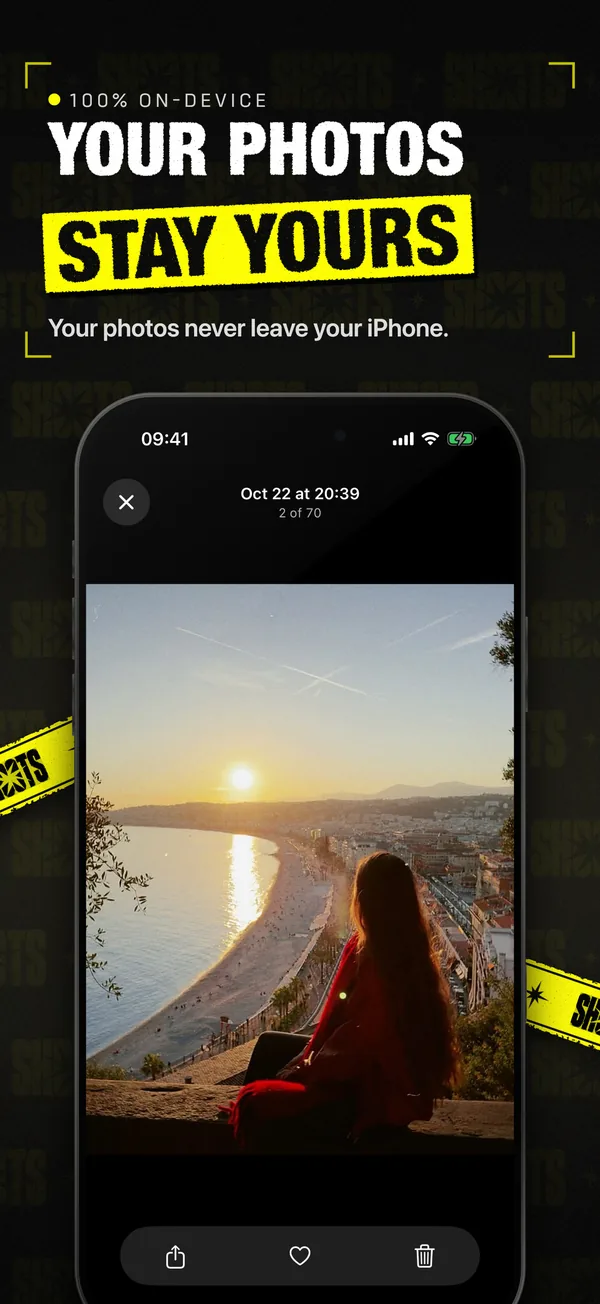
Photos of yourself are about as personal as data gets. I didn't want them anywhere near a server, and I don't want to know what you shoot. So SHOOTS has no account, no ads and no analytics or tracking, and it collects no data. The app makes no internet requests of its own; the only connections are directly between your own devices (a Watch or a remote) and Apple's own purchase system if you choose SHOOTS+, and Apple handles the payment. Even the palm and “Cheese” starts are recognized right on the phone. Your photos, videos and settings stay on your device: in the app, in your Photos library, or both. You choose.
It also means there's no feed, no cloud and no "share with the community" button. That's on purpose. SHOOTS takes the photos; what you do with them is yours.
What SHOOTS doesn't do
- No AI editing, filters, presets or beauty retouching. I'd rather you look like you, in good light, on a good day.
- No picking the "best shot" for you. That's the job of DUMP, my photo dump app, which turns a shoot into a carousel. Solo.Swipe then helps you clear the rest out of your camera roll. Here's how I use the three together.
- No smile trigger. A shoot starts when you tell it to (the shutter, a volume button, your palm, “Cheese”, Siri, a widget or a remote), and then it just goes. It doesn't wait for you to grin.
- No Android, Mac or web version. iPhone, iPad and Apple Watch only.
- No recorded voice in every language. The app speaks 11 languages, but the built-in recorded voice is English; in the other languages your iPhone's own voice reads the lines, and “Cheese” is listened for in English.
You don't need a photographer. You need a camera that doesn't give up after one shot.
What I hope you do with it
Go somewhere with good light. Prop the phone on a wall. Set 10 seconds, every 3 seconds, 25 photos. Step in, move a little on every beep, and let it run. Then pick two you love and delete the rest. If it makes you feel even a tiny bit like the main character, it did its job. (My full recipe is in the 10-minute solo photoshoot.)
And if something is broken, confusing or missing, tell me: solostaseraofficial@gmail.com, or @solo.stasera on Instagram. It comes straight to me.
Questions people ask
Who makes SHOOTS?
Is SHOOTS free?
Does SHOOTS collect my data?
Gül Eda Aydemir is the independent iOS developer behind SHOOTS, DUMP and Solo.Swipe. She designs, builds and answers support for every app herself. Say hi at solostaseraofficial@gmail.com.
Prop up your iPhone, step into frame and let SHOOTS run the whole photoshoot.
Download on theApp Store
On a computer?Scan with your iPhone camera
Keep reading
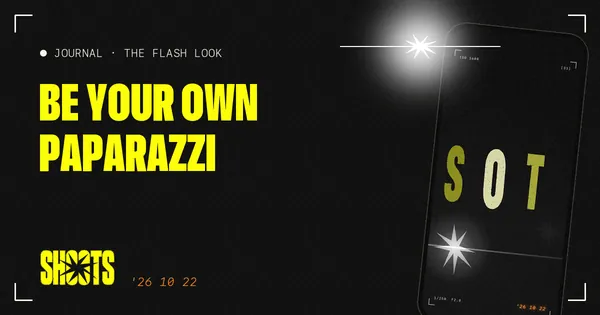
Be your own paparazzi: why the 2000s flash photo is back, and how to shoot it alone
Hard flash, a background gone black, a glint off your sunglasses. The red-carpet photo never needed a red carpet. It just needed someone to fire the flash, and that someone can be your iPhone.
SHOOTS Journal · 7 min read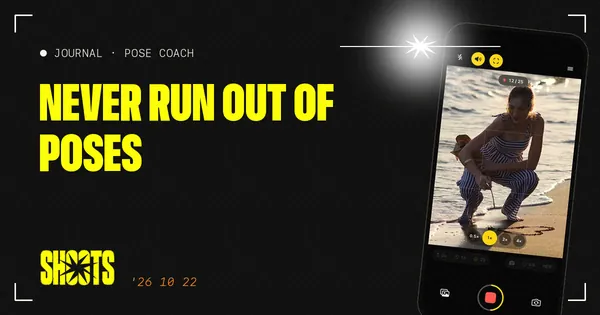
Never run out of poses
Every photographer has a running script: chin down, turn, walk to me, laugh. Now your propped-up iPhone has one too.
SHOOTS Journal · 5 min read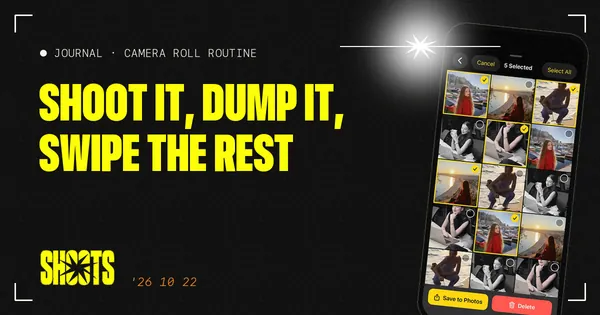
Shoot it, DUMP it, swipe the rest: my 3-app camera roll routine
Twenty-five photos in, one carousel out, and a camera roll that doesn't make me sigh. The whole routine, from shutter to post.
Gül Eda, xoxo · 5 min read